Copy Portfolio using Extension Tool
How to copy product collections using the Chrome Extension Tool
Step 1. Turn on the Extension Tool
Sign in and turn on the Extension Tool by clicking the ENABLE EXTENSION button.
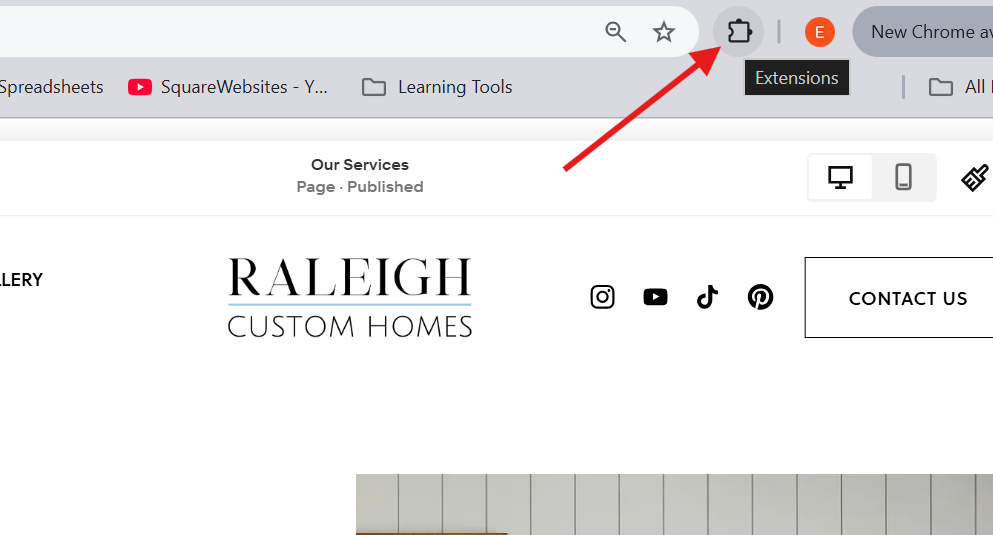
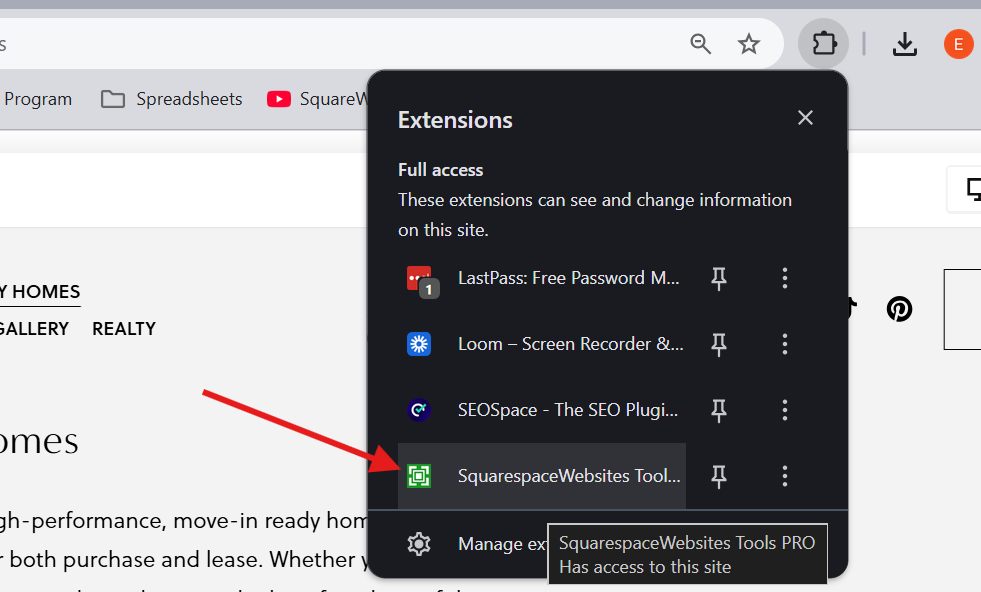
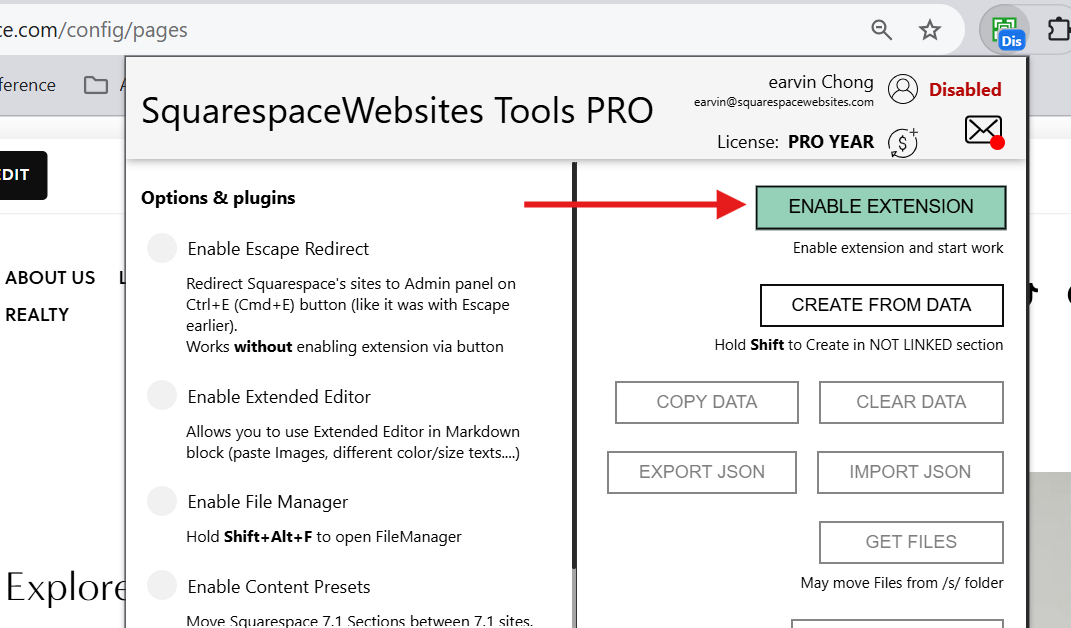
Step 2. Copy the Portfolio Page
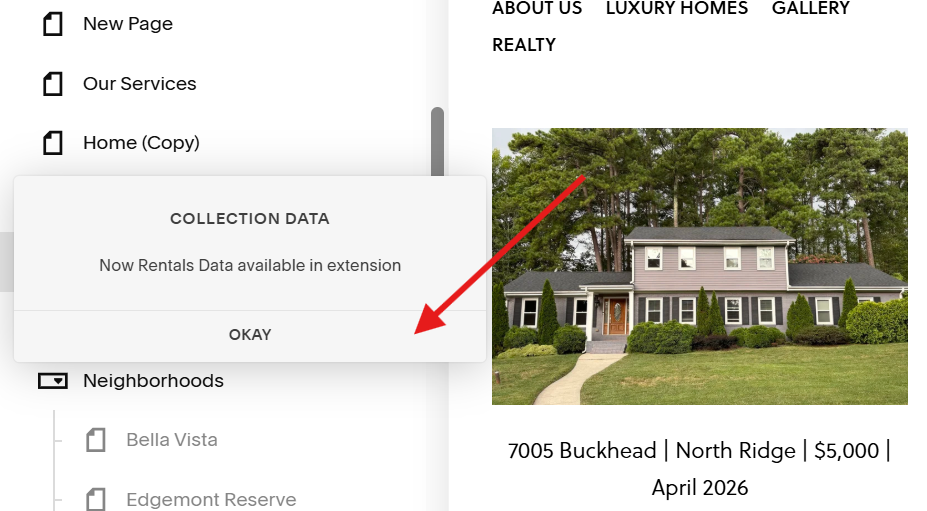
Hover your mouse over the portfolio collection you want to copy and click the Get Collection Data button to copy all the project items in the collection in 1 go.
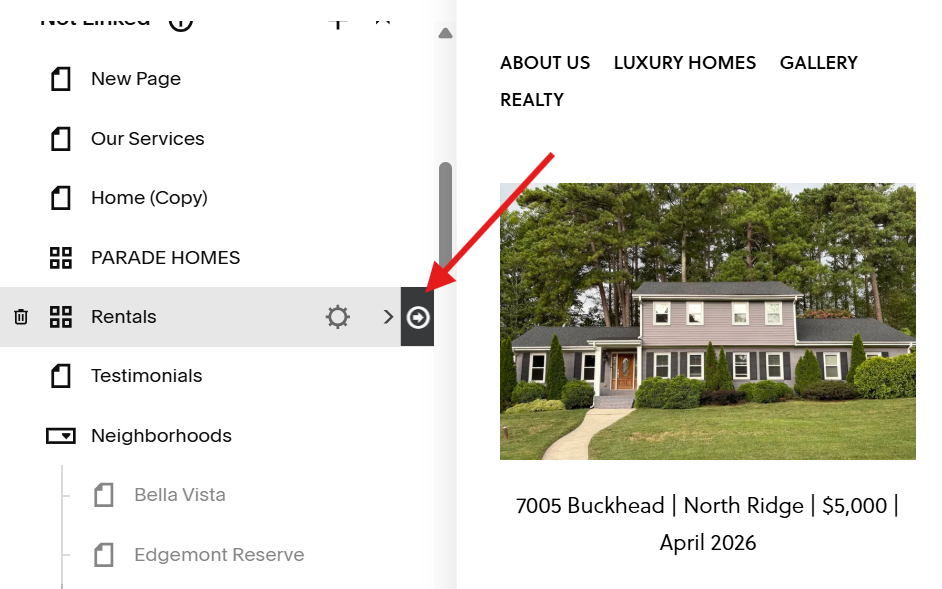
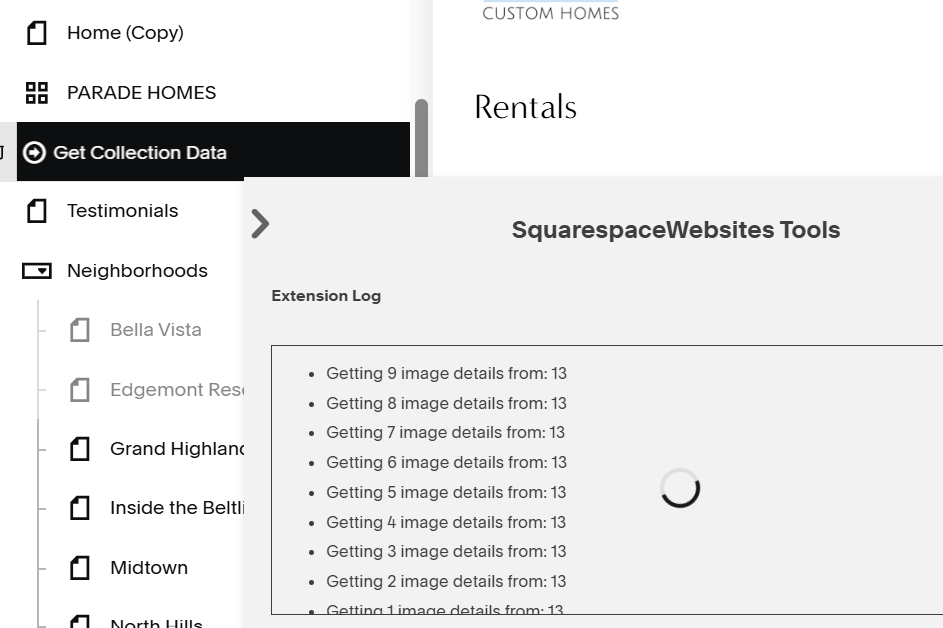
You should see a pop up message confirming that the portfolio collection’s data has been successfully copied.
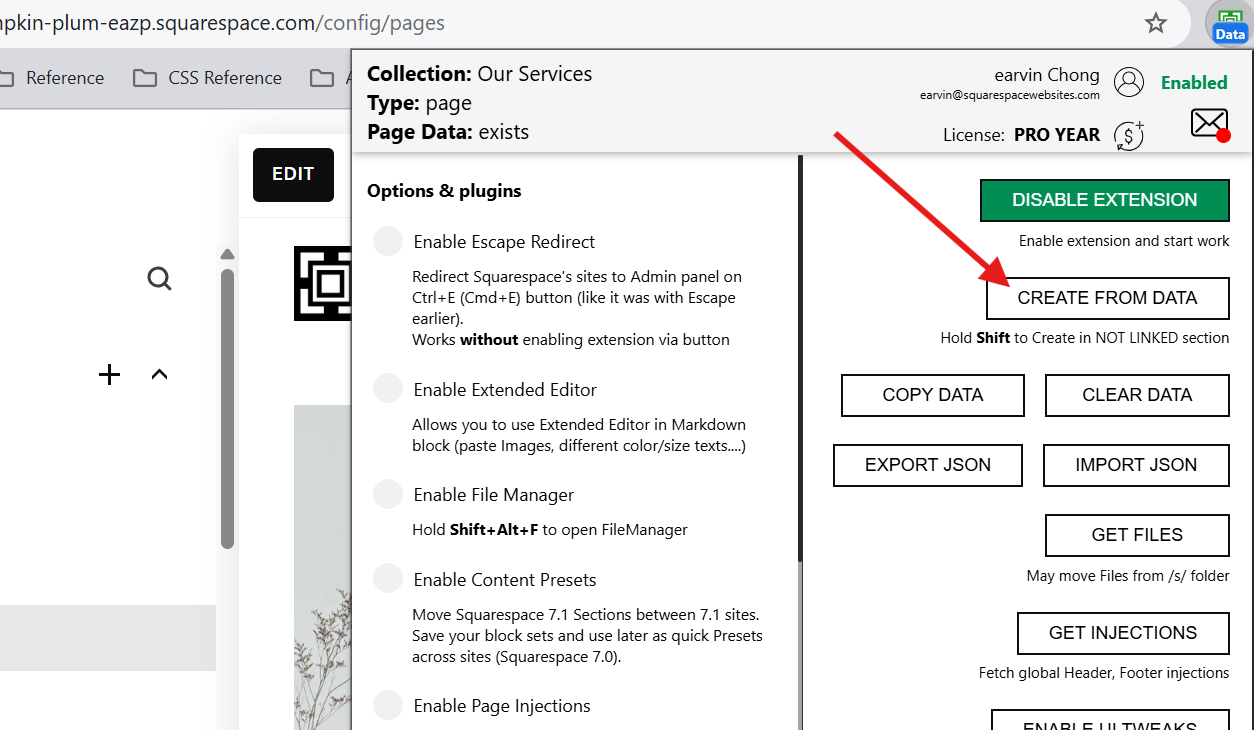
Step 3. Click CREATE FROM DATA button
Go to the site where you want to recreate the page, open the Extension Tool and click the CREATE FROM DATA button.
If you want the copied page in the Not Linked section, press Shift on your keyboard before clicking CREATE FROM DATA.
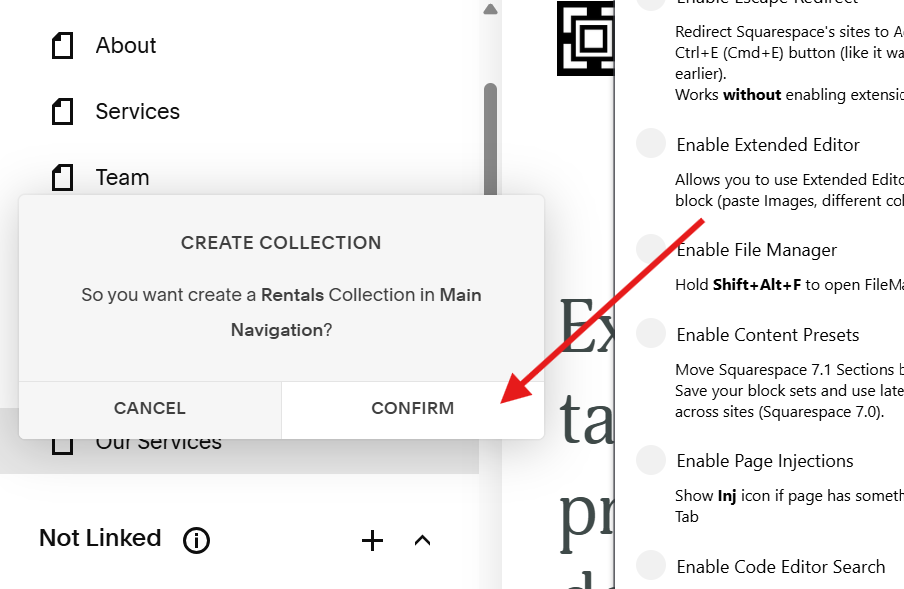
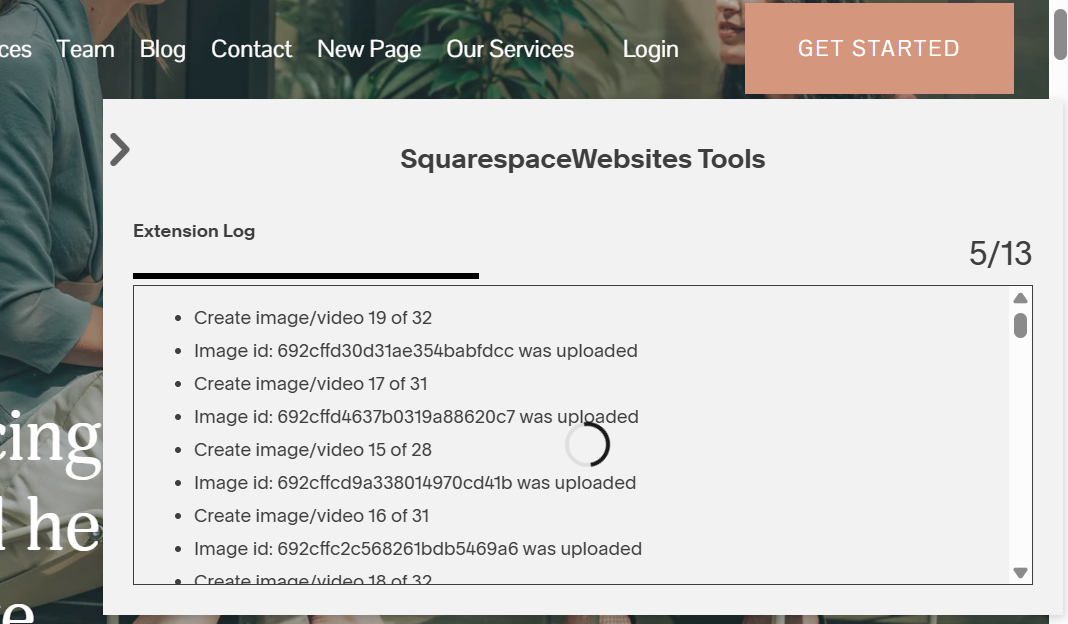
Step 4. Confirm and wait
Confirm creating the copied page and wait for the Extension Tool to finish.
What Squarespace version can you use this on?
Can you copy portfolio pages from:
- 7.1 to 7.1 sites: Yes
- 7.1 to 7.0 sites: Not possible
- 7.0 to 7.1 sites: No, because there’s no portfolio page on 7.0
- 7.0 to 7.0 sites: No, because there’s no portfolio page on 7.0
Need Help?
Send us a message. Tell us what you need and we’ll help you find the solution.