
Advanced Squarespace Plugins
Built for Squarespace designers.
SquareWebsites provides advanced plugins and a Chrome extension to help designers effortlessly enhance Squarespace sites without complex coding.
Customers say Squarewebsites plugins fill the gaps Squarespace leaves: lifting the summary block post limit, adding filtering to products, blogs, and portfolios, building proper tables, and fixing background-video buffering. Support is the most-praised part. Reviewers repeatedly mention fast, hands-on help that often goes beyond basic setup. Many say they installed and customized plugins with little coding experience, and designers use them across client sites. Some note that advanced customization takes some CSS and time to learn, and a few wished for more table formatting options and video tutorials.
Top selling Squarespace Plugins with quick support
Universal Filter
Add powerful filtering and sorting functionality to your Squarespace website. The Universal Filter plugin allows your visitors to easily organize and find content by category, tag, price, and search queries.
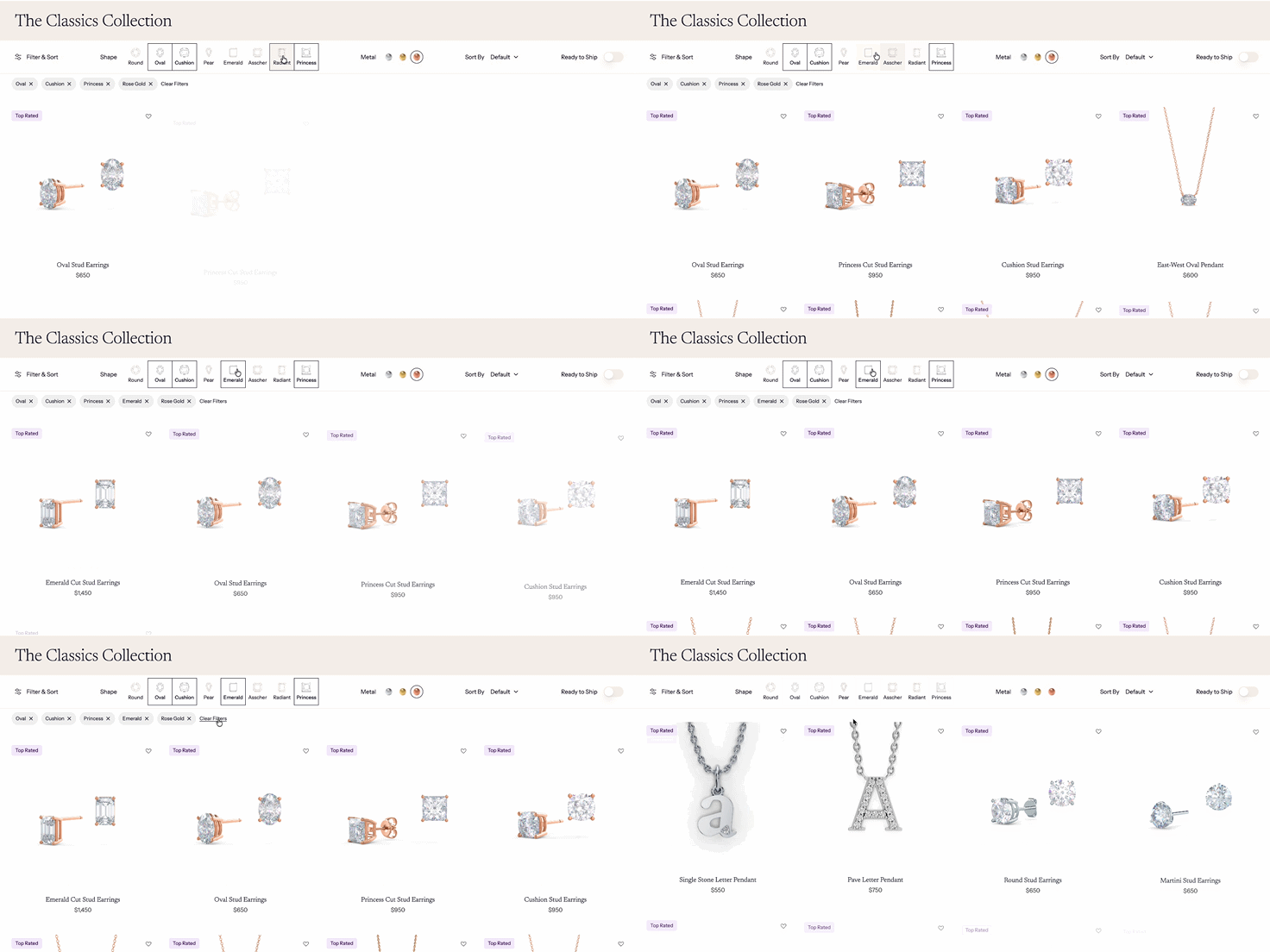
Stop letting visitors get lost in your content—give them the exact tools they need to find what they want, instantly. With the Universal Filter plugin, you’ll add powerful, multi-criteria filtering and smart sorting to any Squarespace site—so visitors can slice through your blogs, products, galleries, events, or albums by category, tag, price, title, or a live search box.
Think of it as turning your site into a searchable, shoppable, skimmable experience:
Let customers filter by multiple criteria at once (not just one category like Squarespace’s native option)
Offer price and title sorting to surface top picks fast
Add a live search field so users can type and see results instantly
Works seamlessly on Squarespace 7.0 and 7.1, with no template hacking needed
You get one-time setup, lifetime license, and support to get it running—perfect if you’re running a store, portfolio, or content hub that’s starting to outgrow basic navigation.
Universal Filter turns any Squarespace site into a fully searchable, multi-filter experience—so visitors can instantly find exactly what they’re looking for by category, tag, price, or keyword.
More Plugins
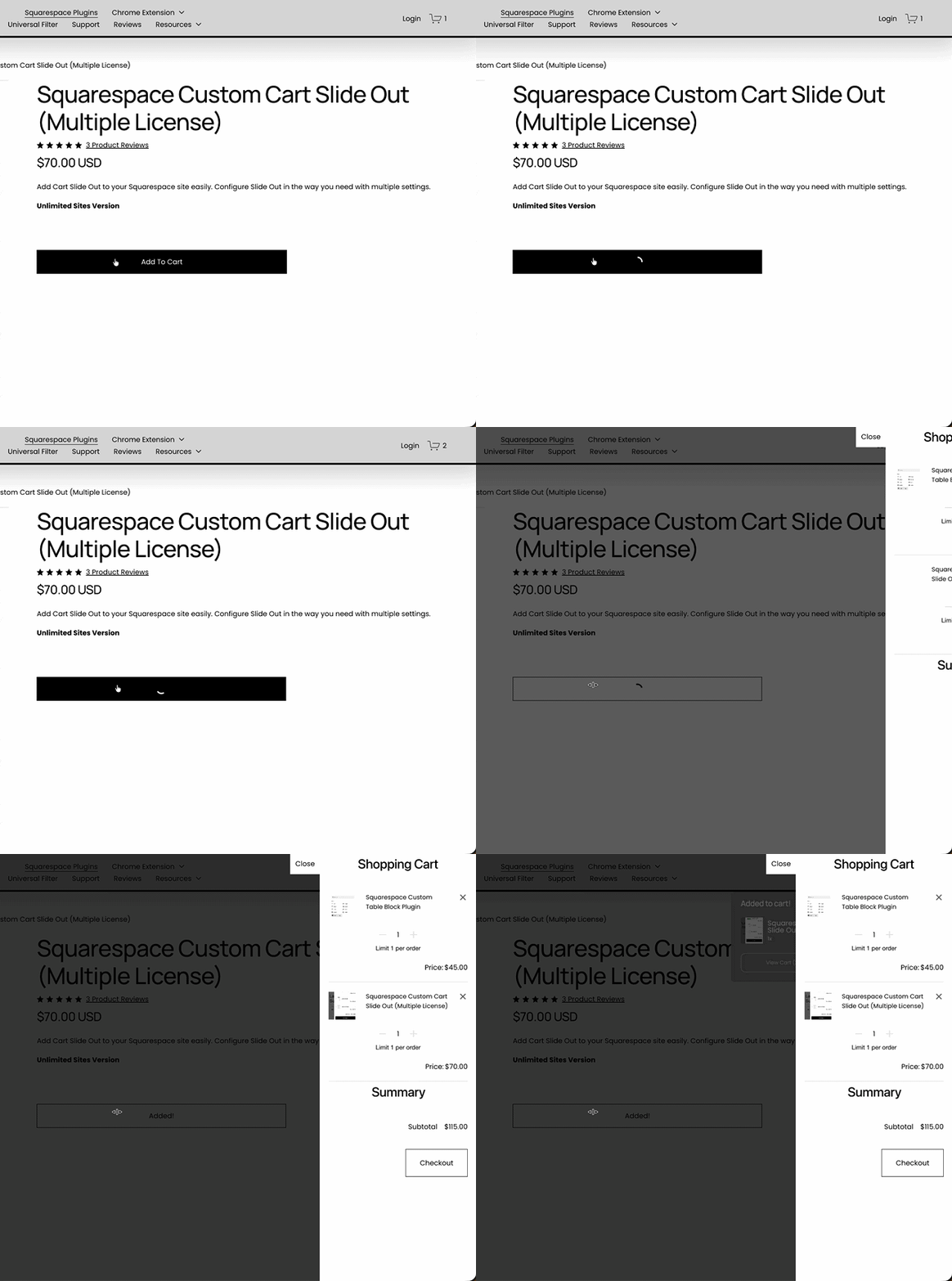
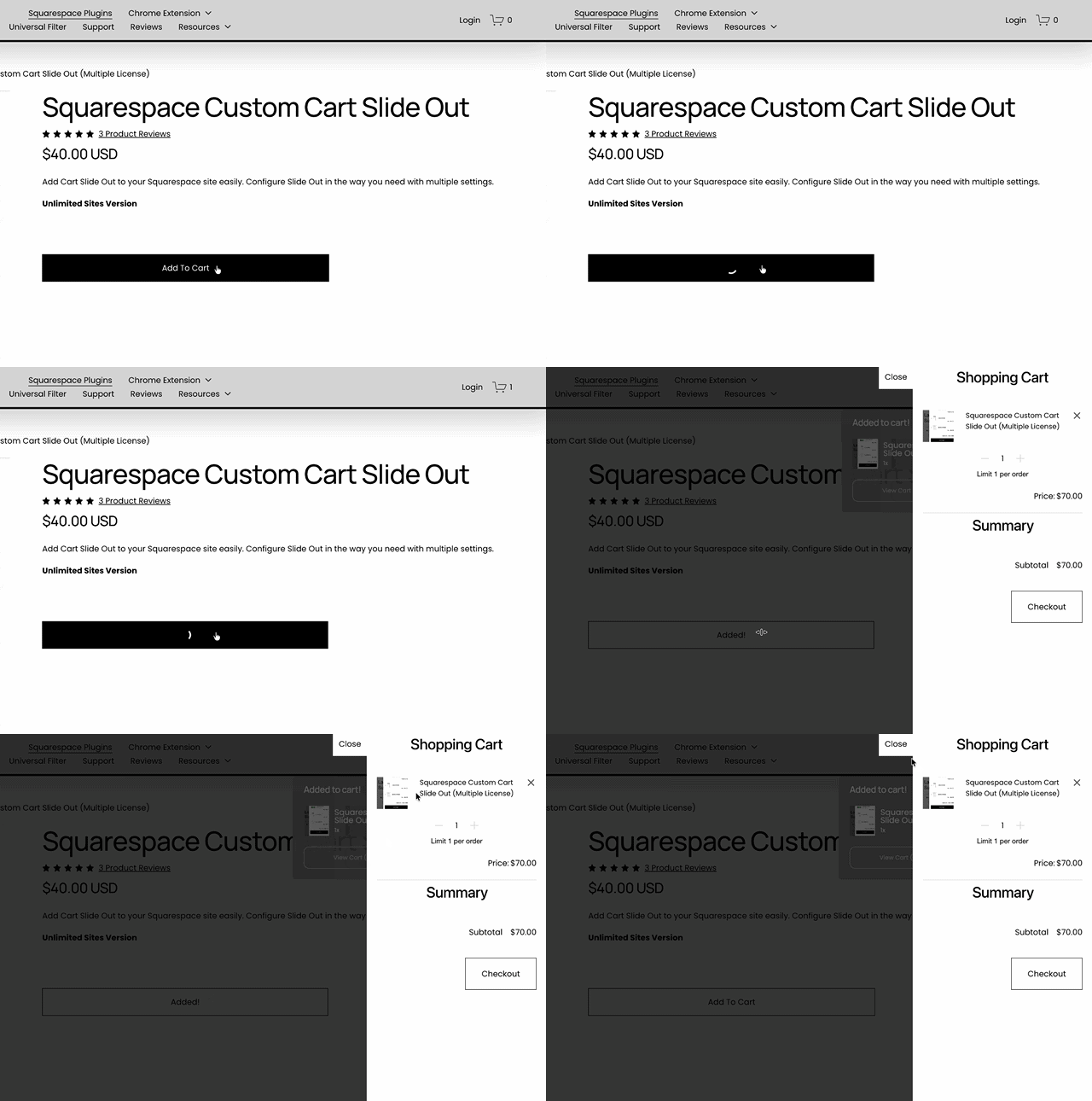
SquareWebsites Tools PRO:
The Chrome Extension for Squarespace
SquareWebsites Tools Pro is a powerful browser extension that allows web designers to copy, clone, and customize Squarespace sites in seconds. By turning hours of tedious layout building into a single click, it is designed to significantly streamline the web development process.
Import & Export
Move content across multiple Squarespace websites.
Content Presets:
Save layout blocks to insert on any page or blog article. Access a Shared Presets section to see, use, and like layouts from other users.
Tweak Presets:
Save and migrate style settings (fonts, colors) across multiple sites, even across different templates.
Supported Collections:
Works with Blog pages, Product pages, Galleries, Albums, Events, and Custom (Dev) collections.
Built-in Premium Plugins:
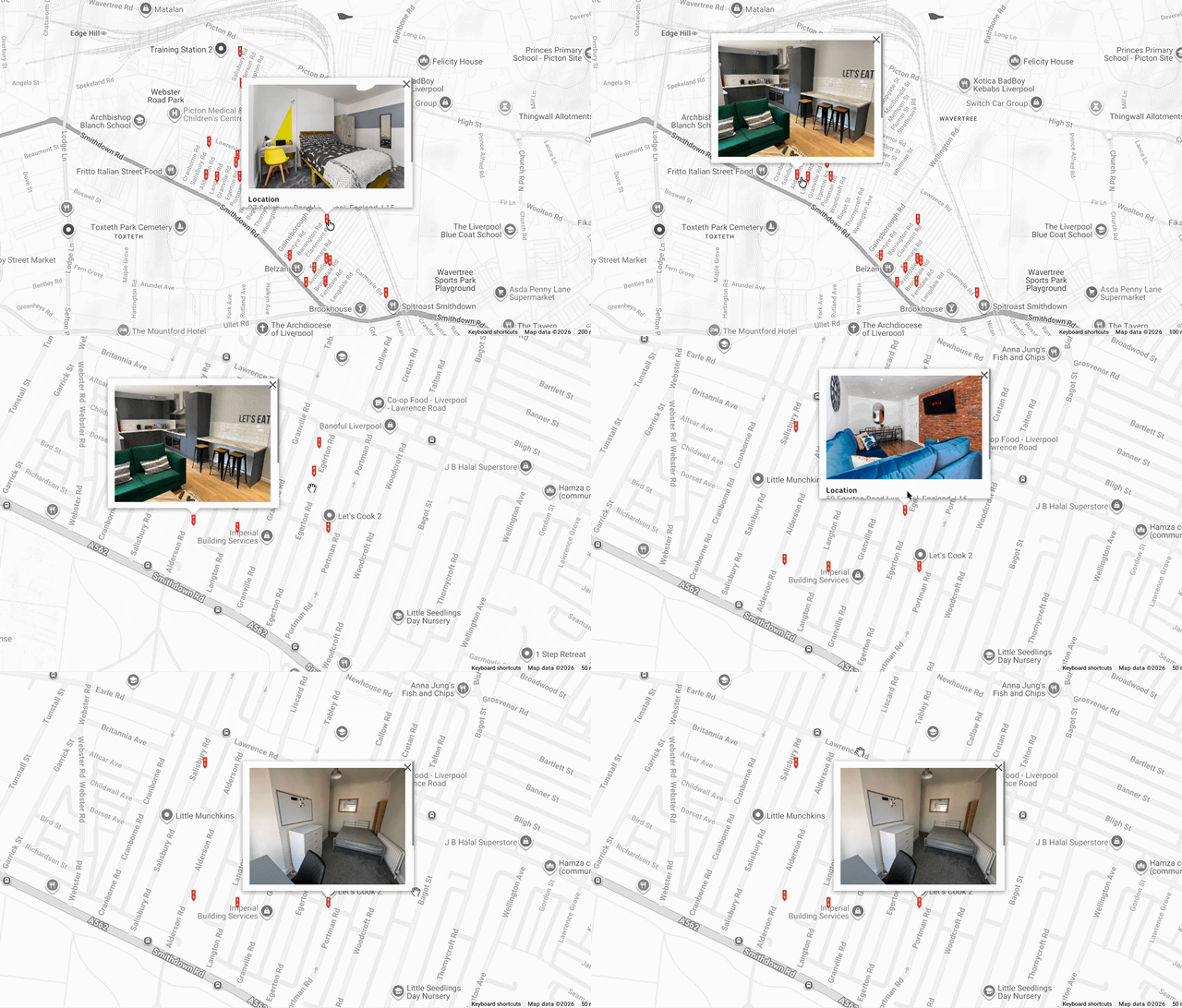
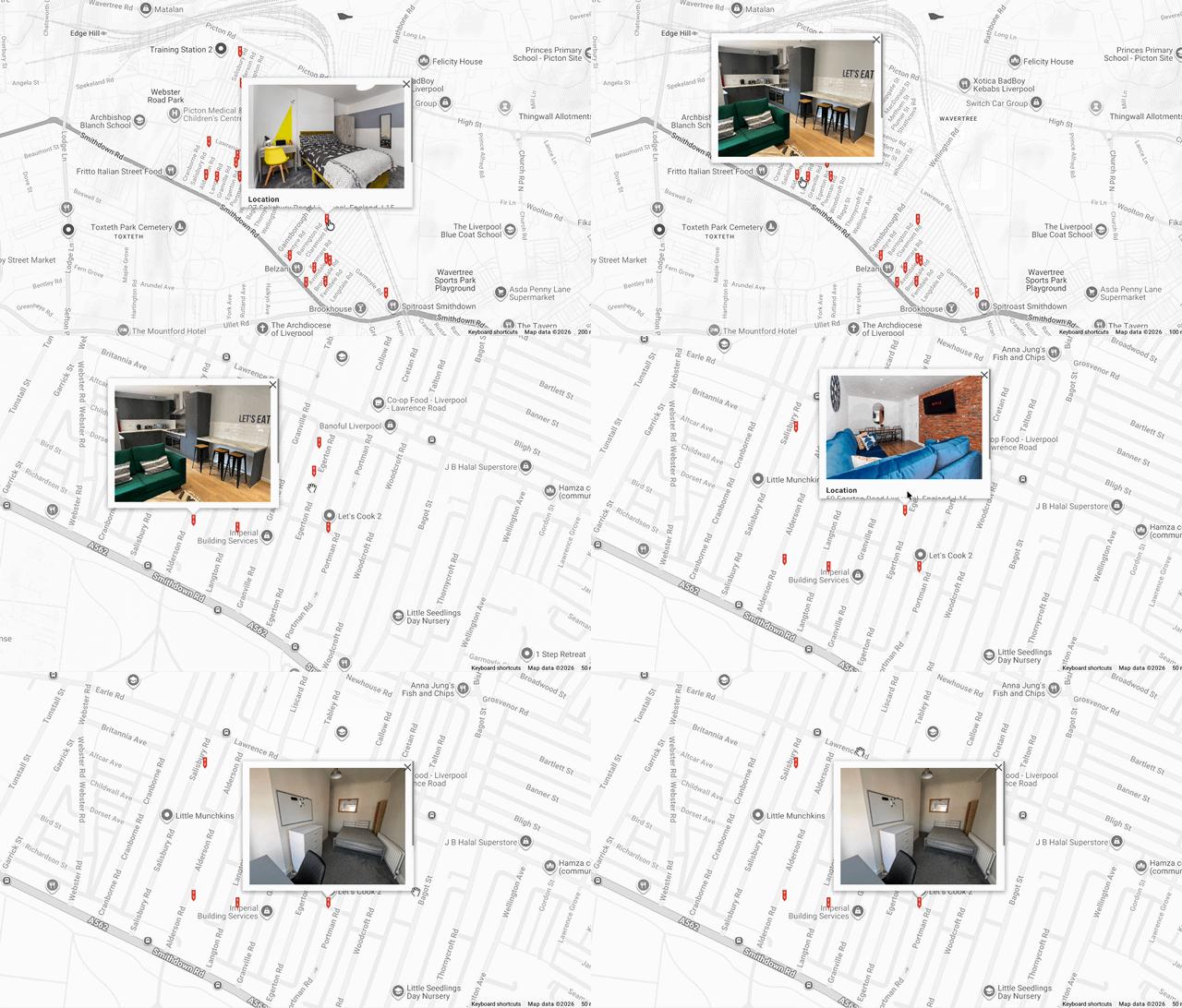
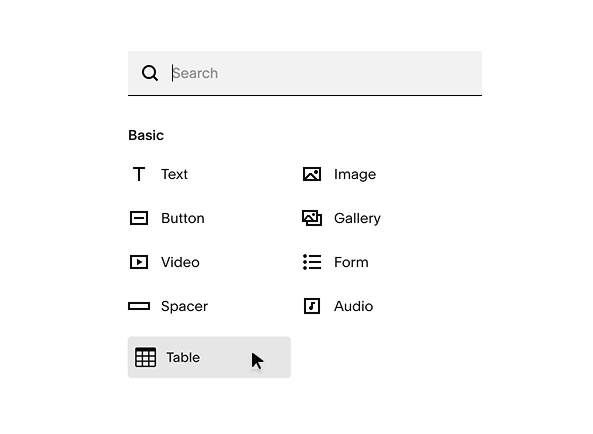
Lazy summaries, Advanced Map Block, Table Block, Admin UI tweaks, Navigation Search
Workflow Tools:
Reset all fonts to reduce loaded font size, view Color Swatches (7.0), and delete DEMO content with a single click.
Why SquareWebsites Plugins?
Install Squarespace plugins instantly using simple, copy-and-paste code to streamline your web development process.

Installation and Process
Enhance your website's functionality with advanced, easy-to-use Squarespace plugins built for professional web designers.

Core Value
Get direct technical assistance and troubleshooting from Squarespace plugin experts via our dedicated Slack support channel.

Support
Latest Squarespace Blogs

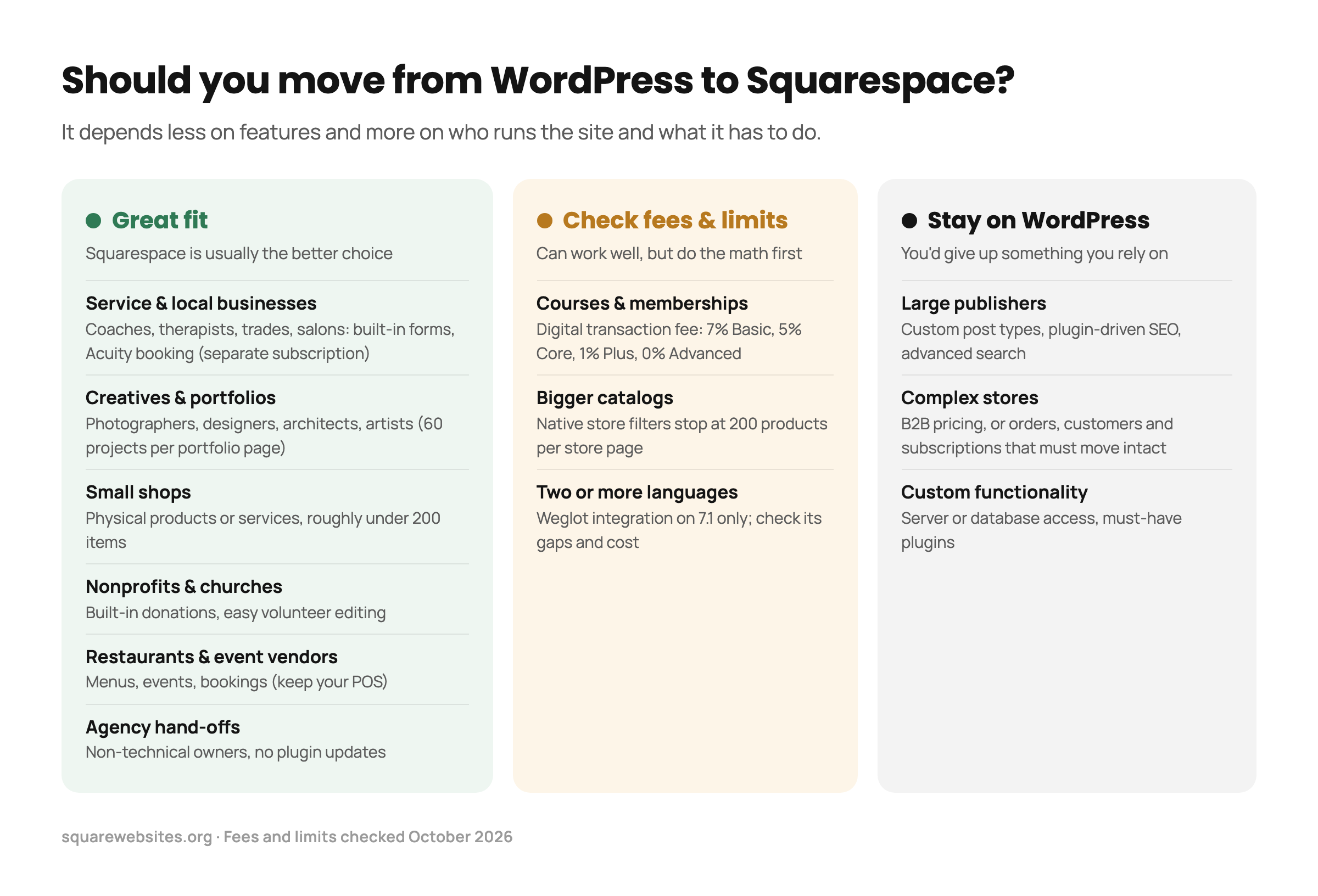
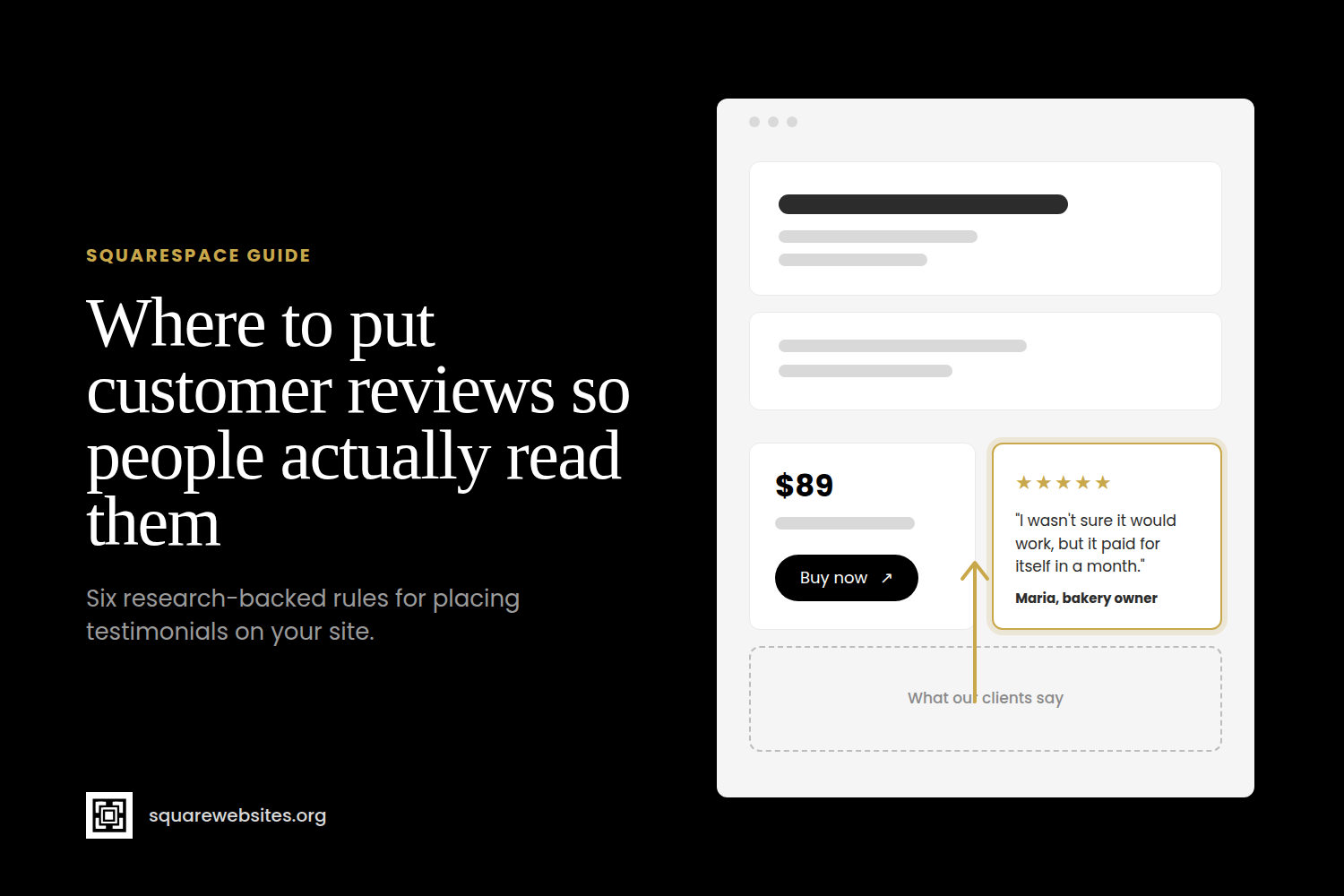


Stop letting Squarespace’s 30-item ceiling choke your best content—Lazy Summaries blows that limit wide open so you can showcase ALL items in a single Summary Block.
The Lazy Summaries (a.k.a. Lazy Load Summary Block) plugin extends the summary block display limit from 30 items to the maximum limit of your products, blog, events and portfolio collection.
Plus you get the option to display portfolio pages, add lightbox for store or blog pages (not just galleries), filter summary items by tags or category, add custom classes for styling and sort your summary block items.