
Location 8
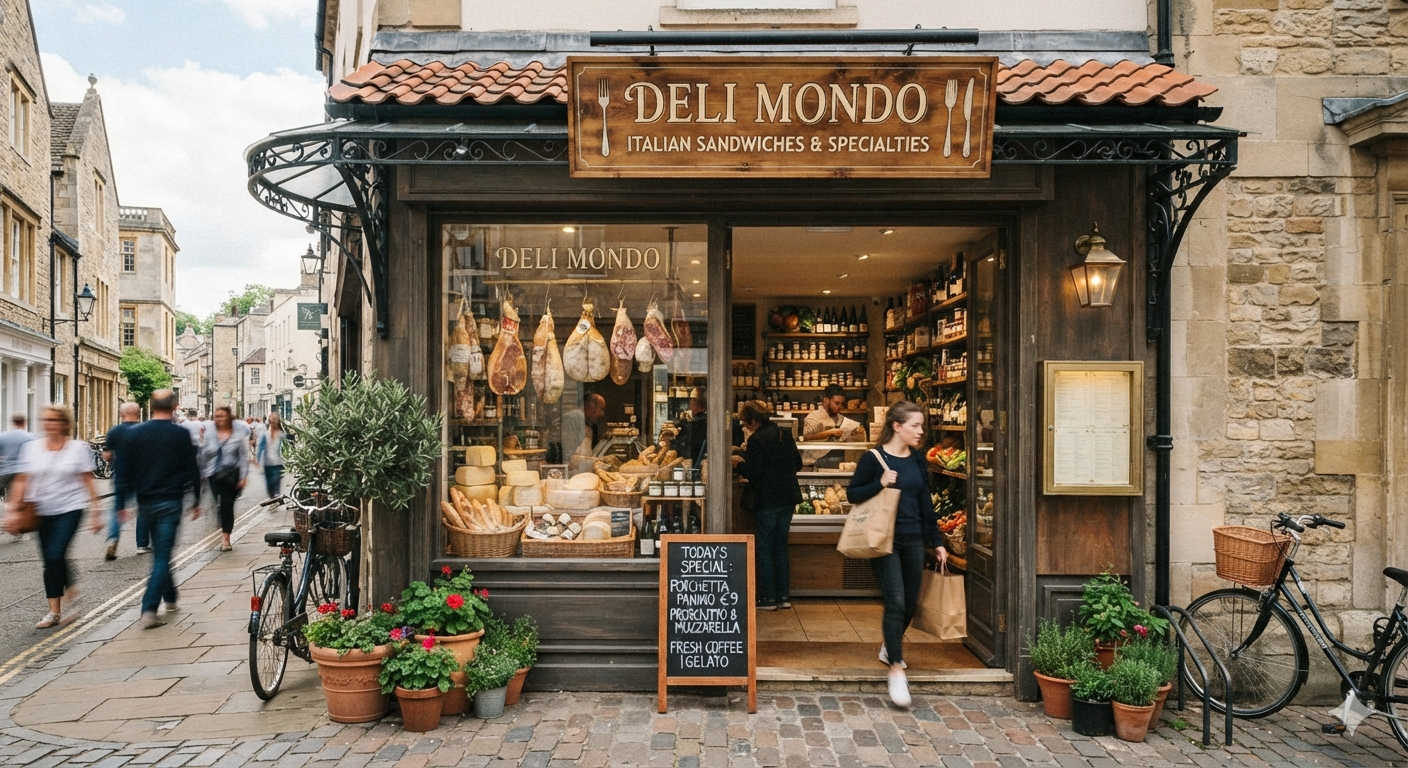
This is Advanced Map Block’s pop up window. It displays an image, a title, an excerpt and a link to the location’s page.
You can use this pop up to share about the location’s info or a short description, history or review of the marked location.
It’s added in the blog page’s excerpt setting and you can set it to pop up when people clicks the marker or when they hover over it.
Location 7
This is Advanced Map Block’s pop up window. It displays an image, a title, an excerpt and a link to the location’s page.
You can use this pop up to share about the location’s info or a short description, history or review of the marked location.
It’s added in the blog page’s excerpt setting and you can set it to pop up when people clicks the marker or when they hover over it.
Location 6
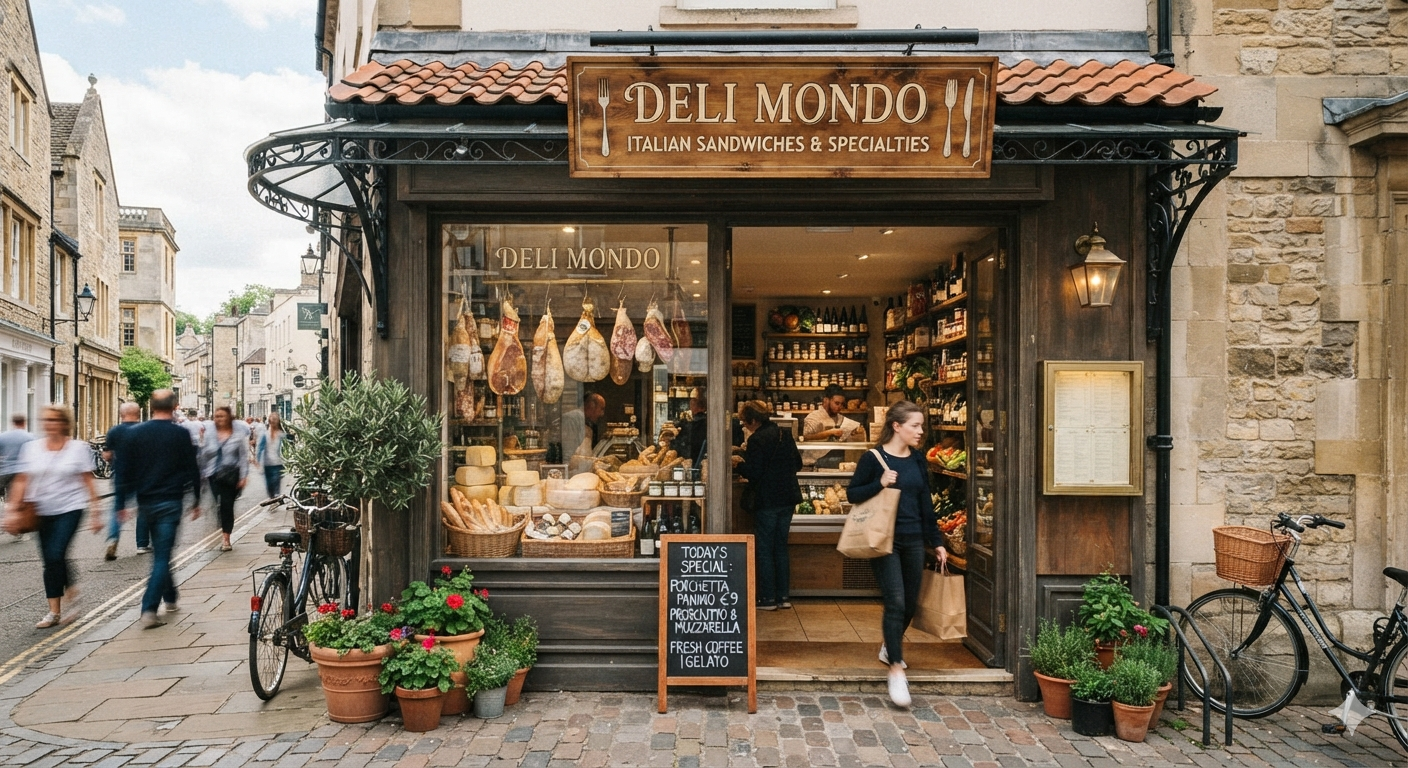
This is Advanced Map Block’s pop up window. It displays an image, a title, an excerpt and a link to the location’s page.
You can use this pop up to share about the location’s info or a short description, history or review of the marked location.
It’s added in the blog page’s excerpt setting and you can set it to pop up when people clicks the marker or when they hover over it.
Location 5
This is Advanced Map Block’s pop up window. It displays an image, a title, an excerpt and a link to the location’s page.
You can use this pop up to share about the location’s info or a short description, history or review of the marked location.
It’s added in the blog page’s excerpt setting and you can set it to pop up when people clicks the marker or when they hover over it.
Location 4
This is Advanced Map Block’s pop up window. It displays an image, a title, an excerpt and a link to the location’s page.
You can use this pop up to share about the location’s info or a short description, history or review of the marked location.
It’s added in the blog page’s excerpt setting and you can set it to pop up when people clicks the marker or when they hover over it.
Location 3
This is Advanced Map Block’s pop up window. It displays an image, a title, an excerpt and a link to the location’s page.
You can use this pop up to share about the location’s info or a short description, history or review of the marked location.
It’s added in the blog page’s excerpt setting and you can set it to pop up when people clicks the marker or when they hover over it.
Location 2
This is Advanced Map Block’s pop up window. It displays an image, a title, an excerpt and a link to the location’s page.
You can use this pop up to share about the location’s info or a short description, history or review of the marked location.
It’s added in the blog page’s excerpt setting and you can set it to pop up when people clicks the marker or when they hover over it.
Location 1
This is Advanced Map Block’s pop up window. It displays an image, a title, an excerpt and a link to the location’s page.
You can use this pop up to share about the location’s info or a short description, history or review of the marked location.
It’s added in the blog page’s excerpt setting and you can set it to pop up when people clicks the marker or when they hover over it.