
Squarewebsites Plugins for Squarespace
Squarewebsites is the plugin library for serious Squarespace designers and developers. All plugins are sold with a one-time license and include free setup support. Upgrade your 7.0 or 7.1 Squarespace site with a simple copy and paste - no coding required.

























Frequently Asked Questions
What are Squarespace plugins and how do they work?
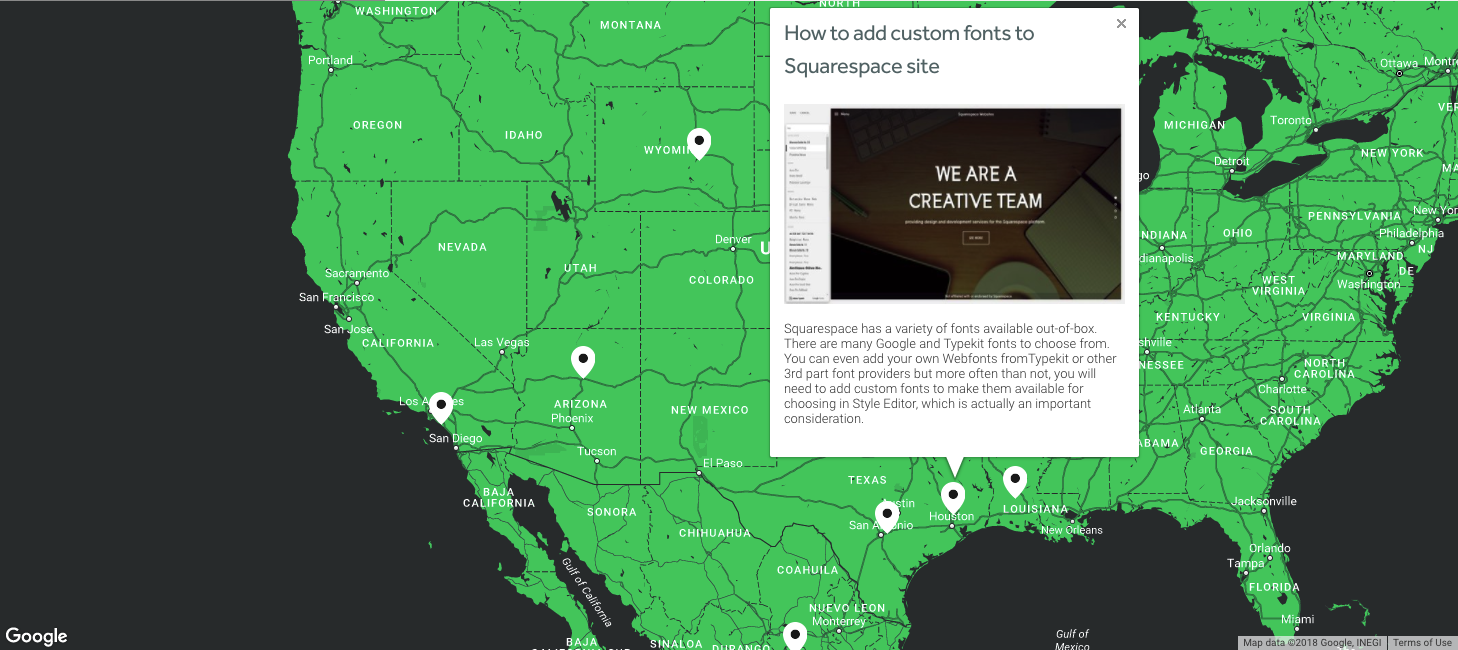
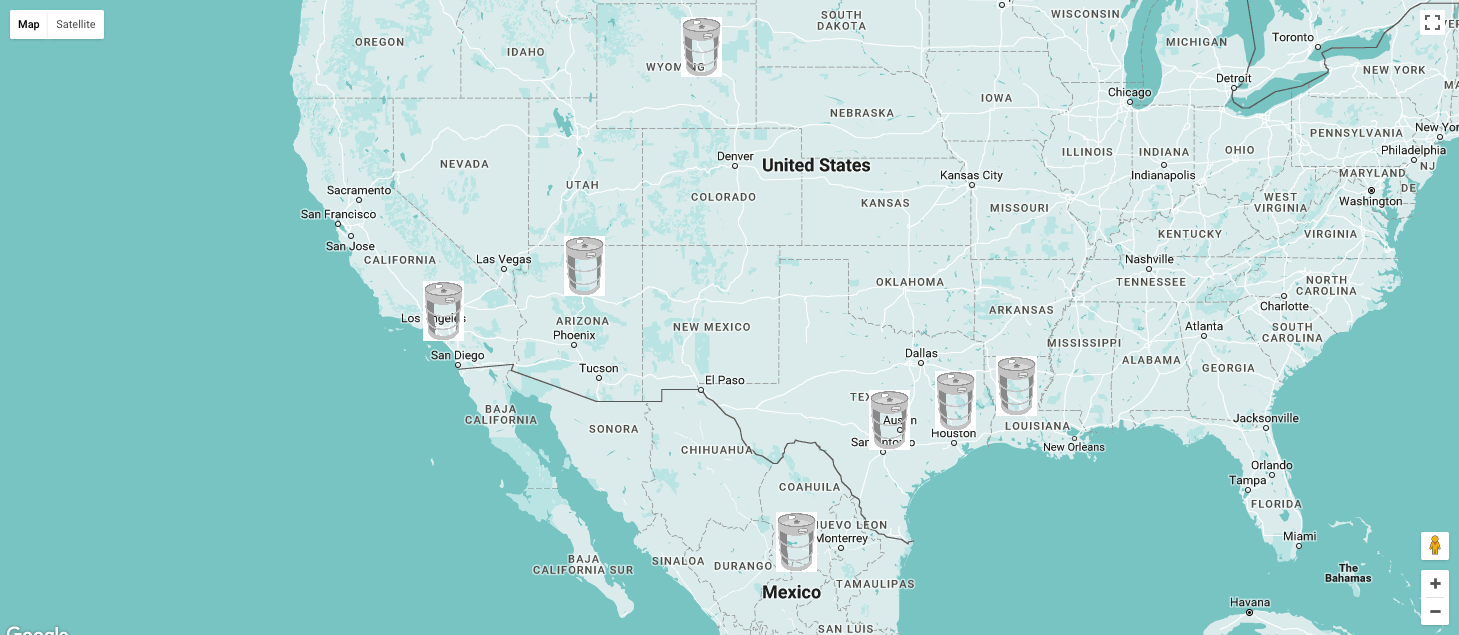
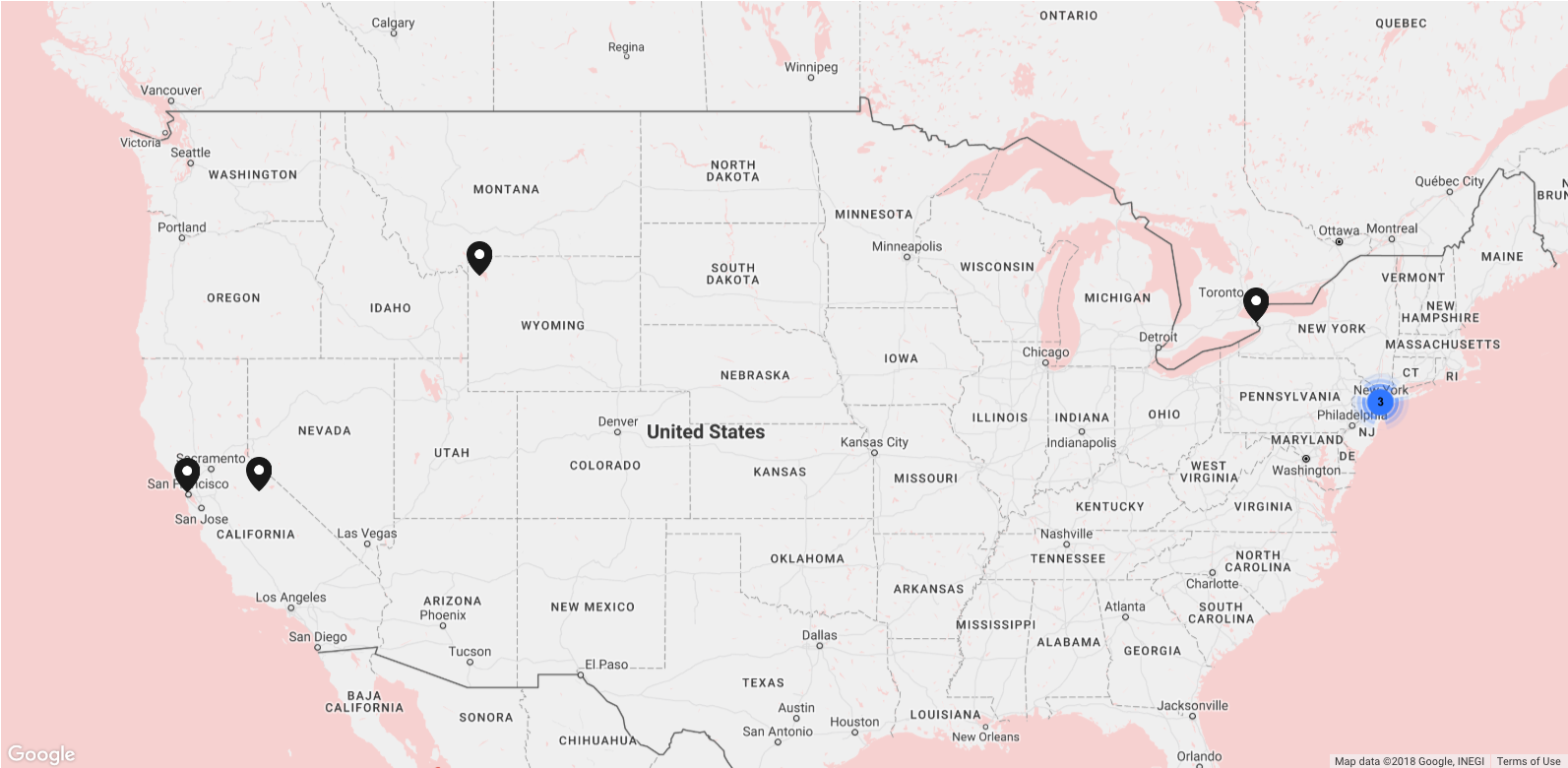
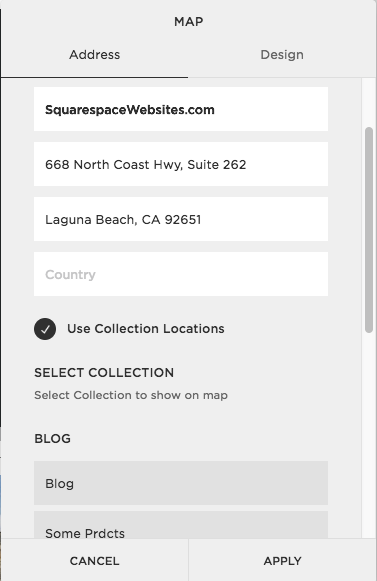
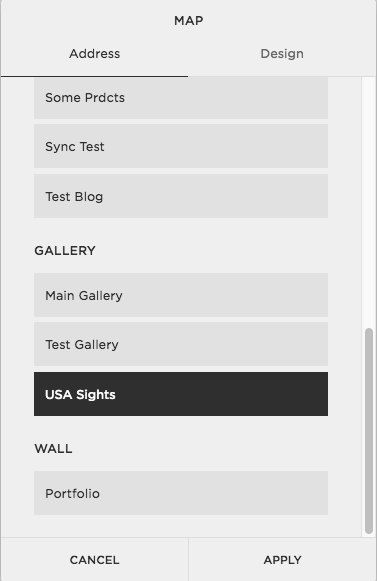
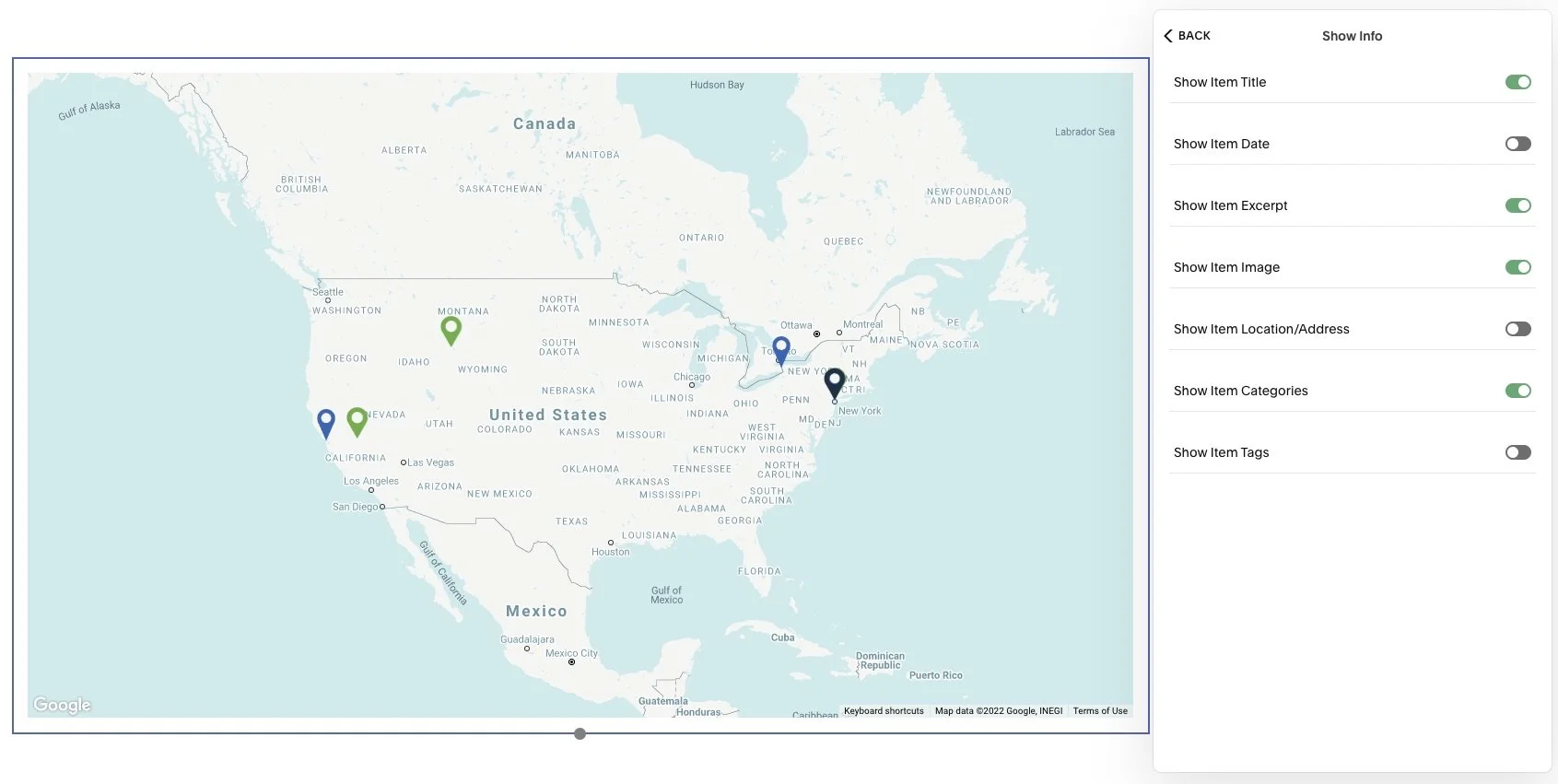
Squarespace plugins are code-based add-ons that extend what Squarespace can do out of the box — like filtering, sortable tables, interactive maps, and lazy loading. You install them by adding a snippet to your site (via Code Injection, or a Code Block on lower plans), then configure them to your content.
Do your Squarespace plugins work on 7.0 and 7.1?
Yes. Squarewebsites plugins support both Squarespace 7.0 and 7.1. Each product page lists its specific compatibility, including any 7.1-only features.
Do I need coding knowledge to use them?
No coding required for standard setups. You paste the provided snippet and configure the options. We provide free basic-setup support, and paid help is available for custom styling or advanced configurations.
How much do your Squarespace plugins cost?
Squarewebsites plugins are a one-time purchase with no subscription — pricing is shown on each plugin's page (for example, the Universal Filter is $89 one-time). The Chrome extension is offered on Lite and Pro plans so we can keep up with Squarespace updates and provide ongoing support.
What's your most popular Squarespace plugin?
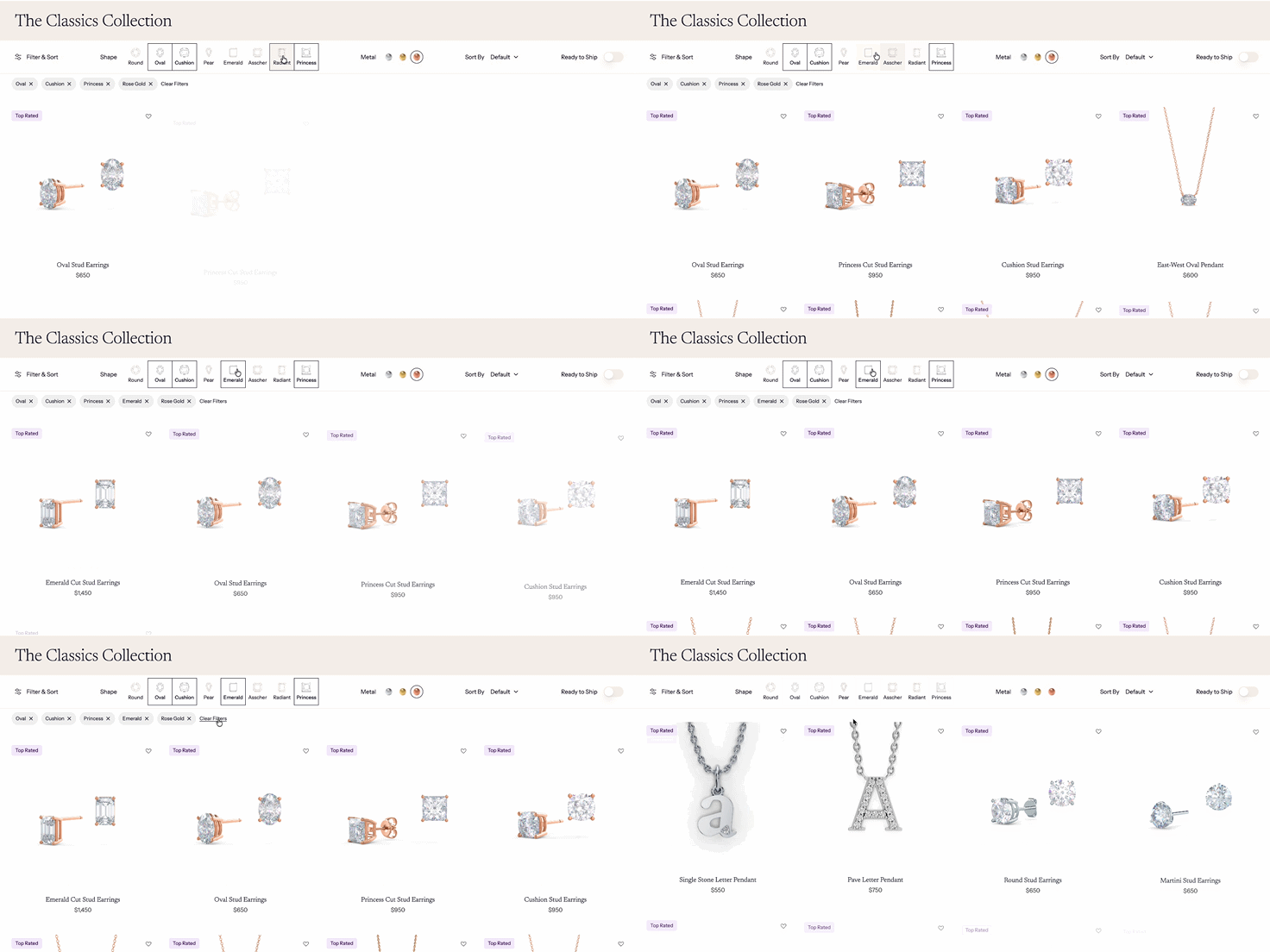
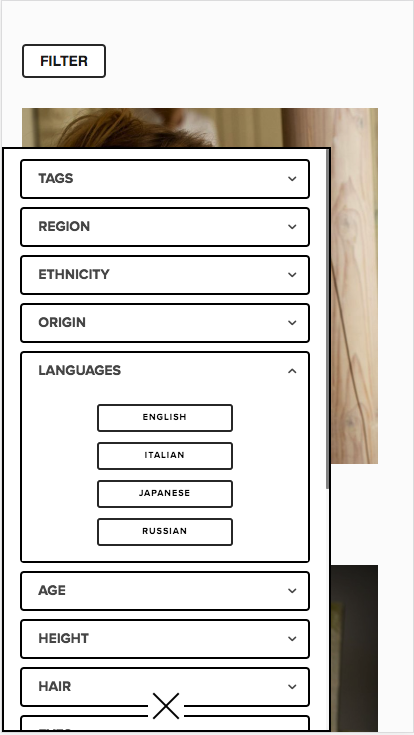
The Universal Filter is Squarewebsites’ most popular plugin — it adds filtering and sorting (category, tags, dropdowns, price, title, and live search) to blogs, products, galleries, events, and more.
What support do I get with a plugin?
Every Squarewebsites plugin includes free basic-setup support to get the standard configuration working. For custom designs or complex setups, paid support is available. There's also a refund policy if a plugin doesn't work for your use case.
Do I need a Squarespace Business plan?
Some plugins require Code Injection, which Squarespace enables on Business plans and above. On a Personal plan you can often use a Code Block instead. Check the individual plugin page for its specific requirement.
Can’t find the plugin you need? Tell us about it.
If we can’t make it for you, we’ll point you to the people who can.