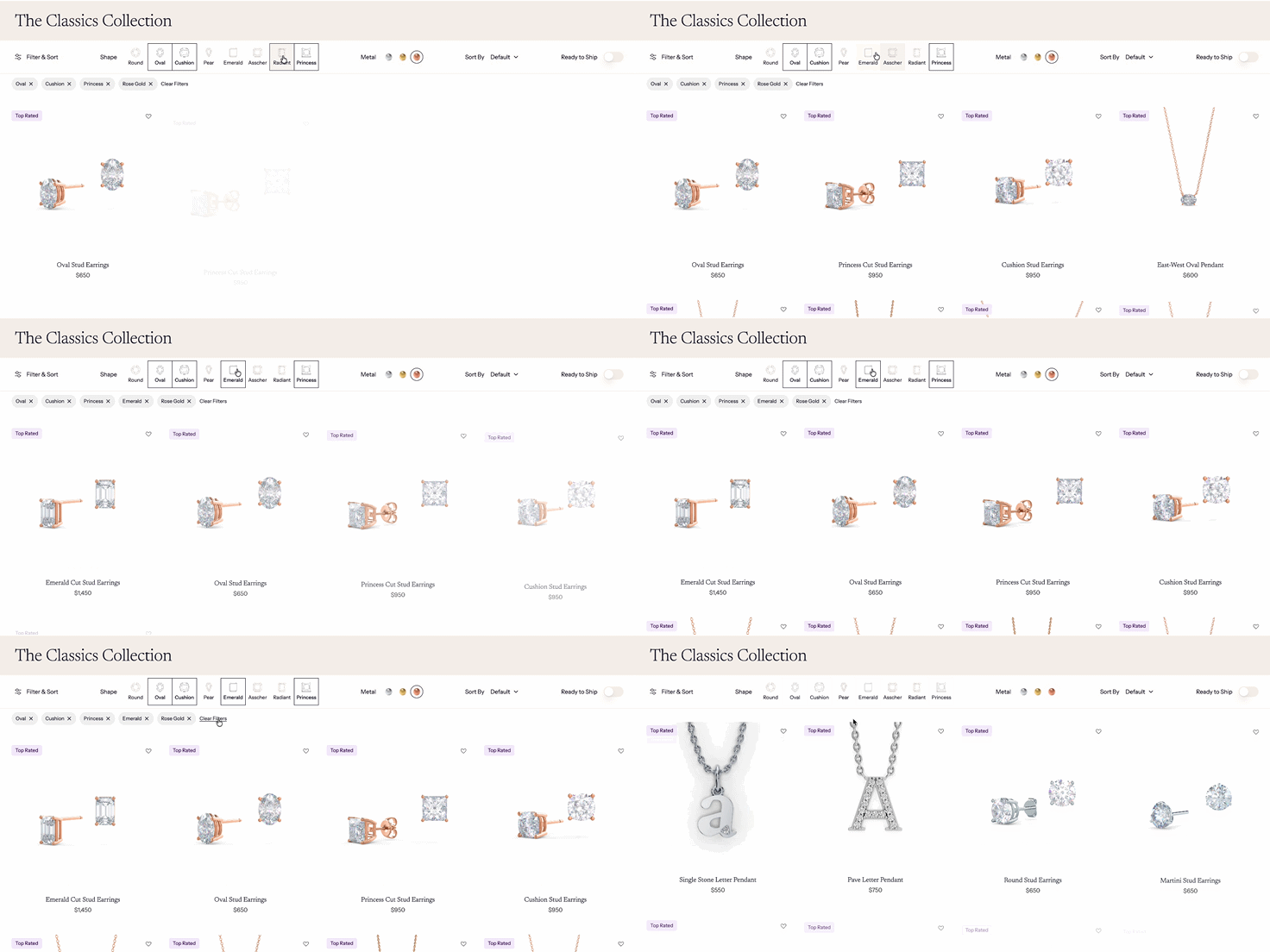
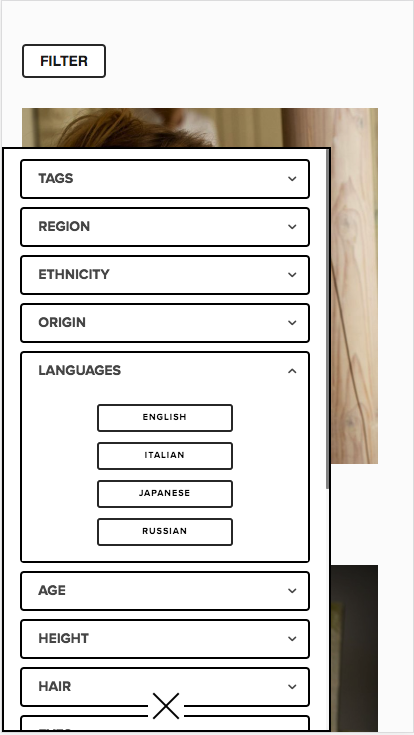
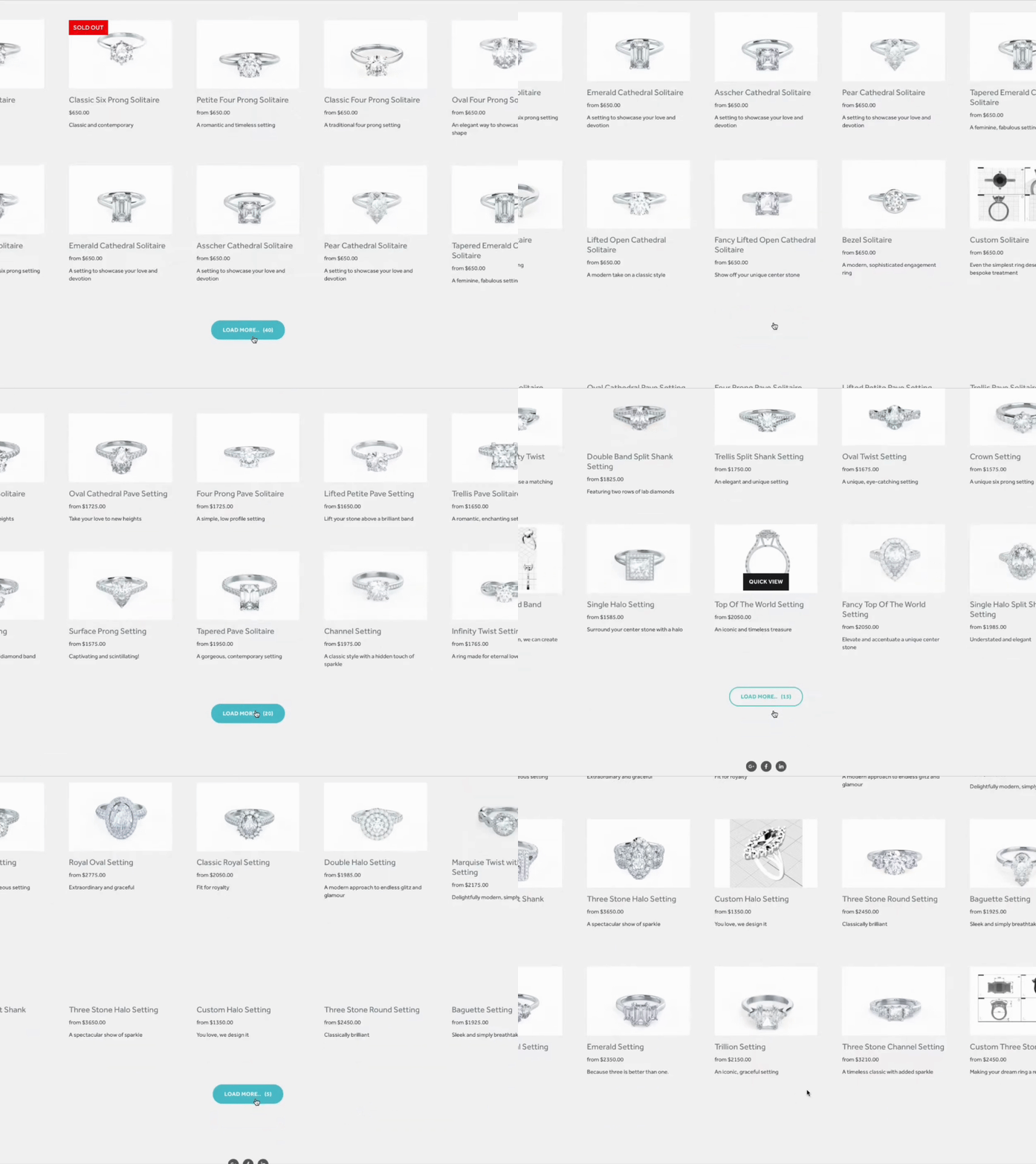
 Image 1 of 10
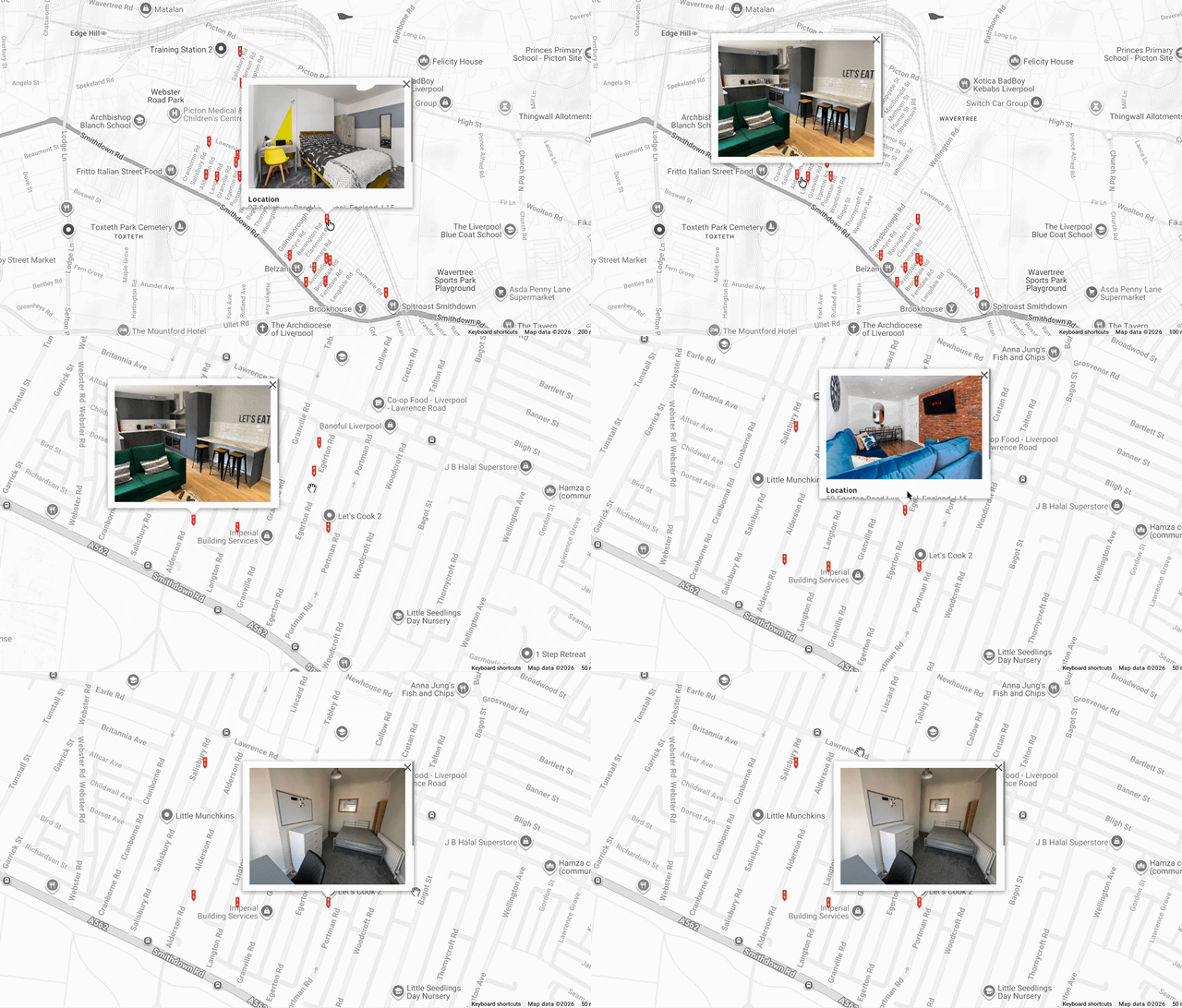 Image 2 of 10
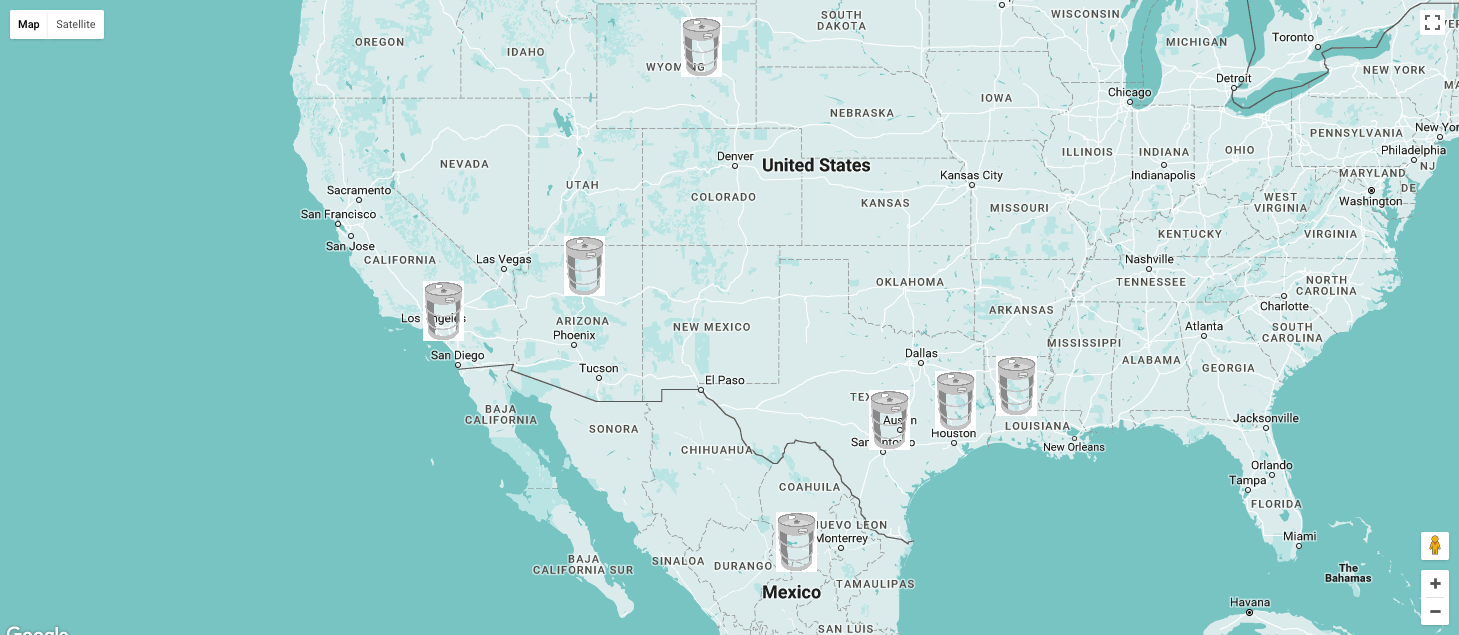 Image 3 of 10
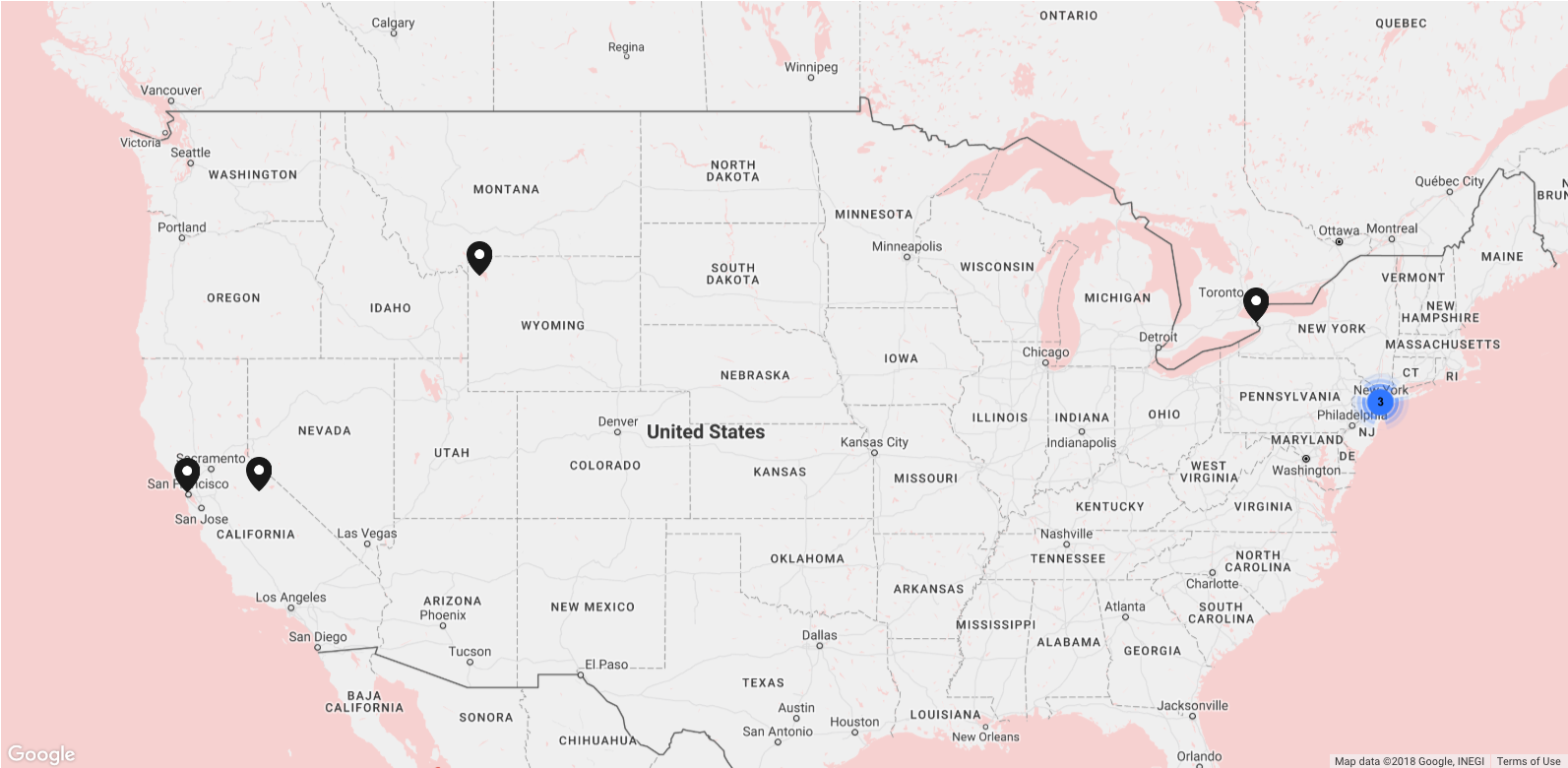 Image 4 of 10
 Image 5 of 10
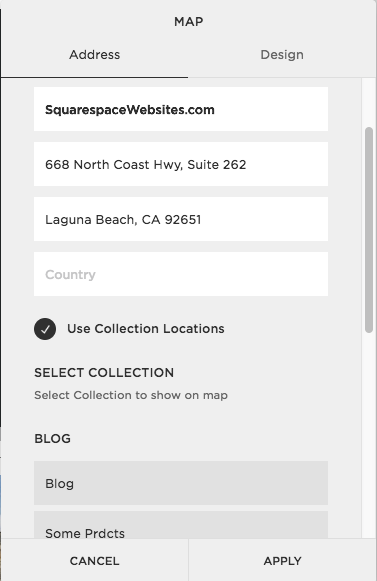 Image 6 of 10
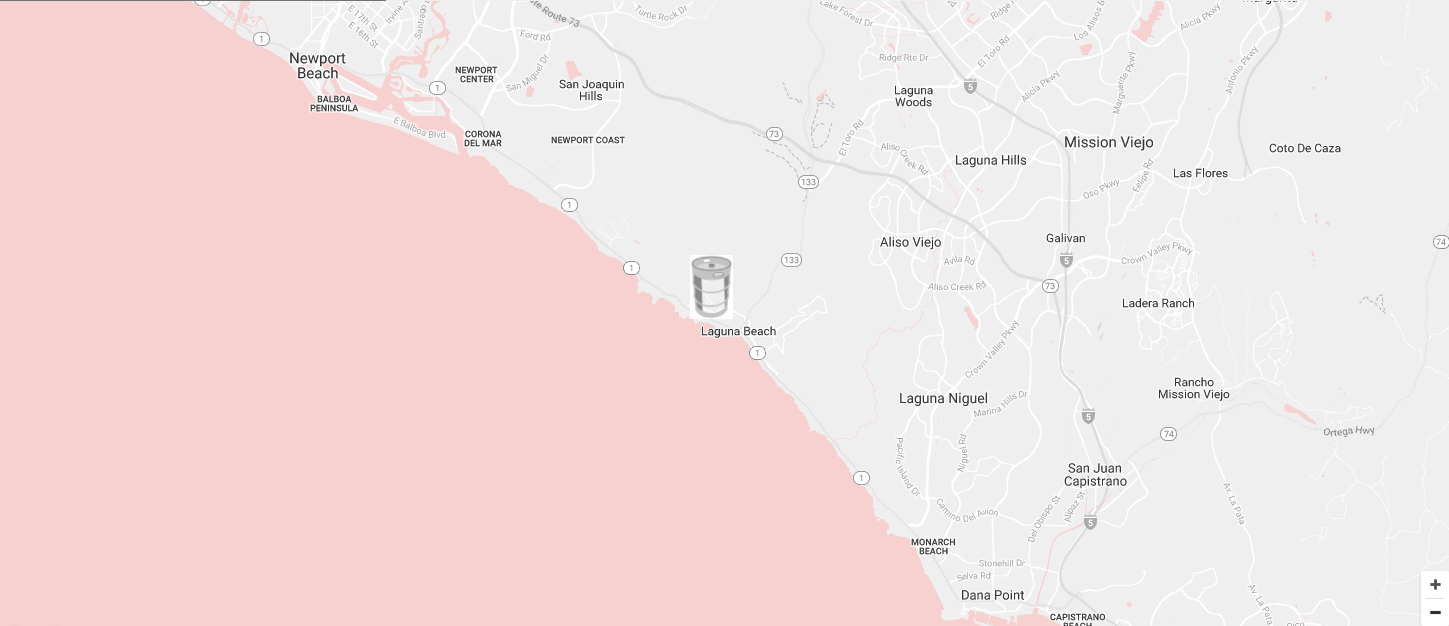 Image 7 of 10
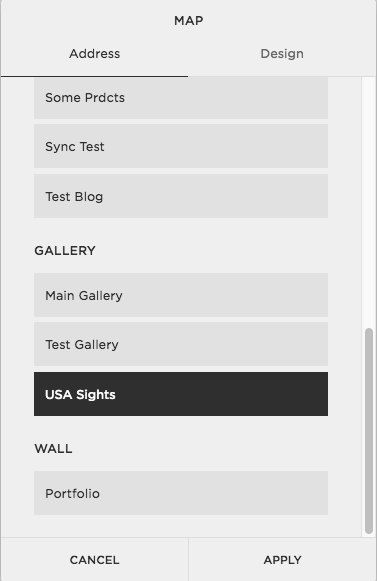 Image 8 of 10
 Image 9 of 10
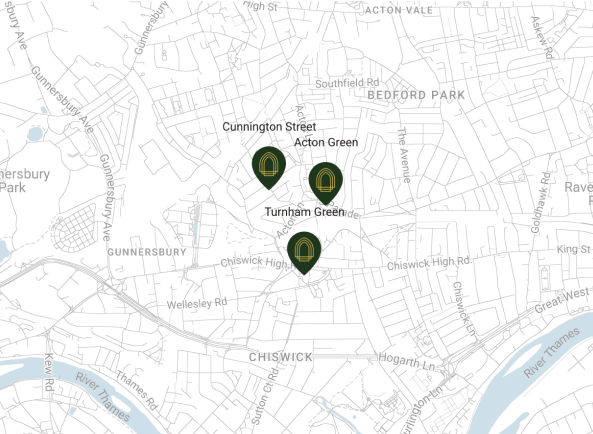 Image 10 of 10
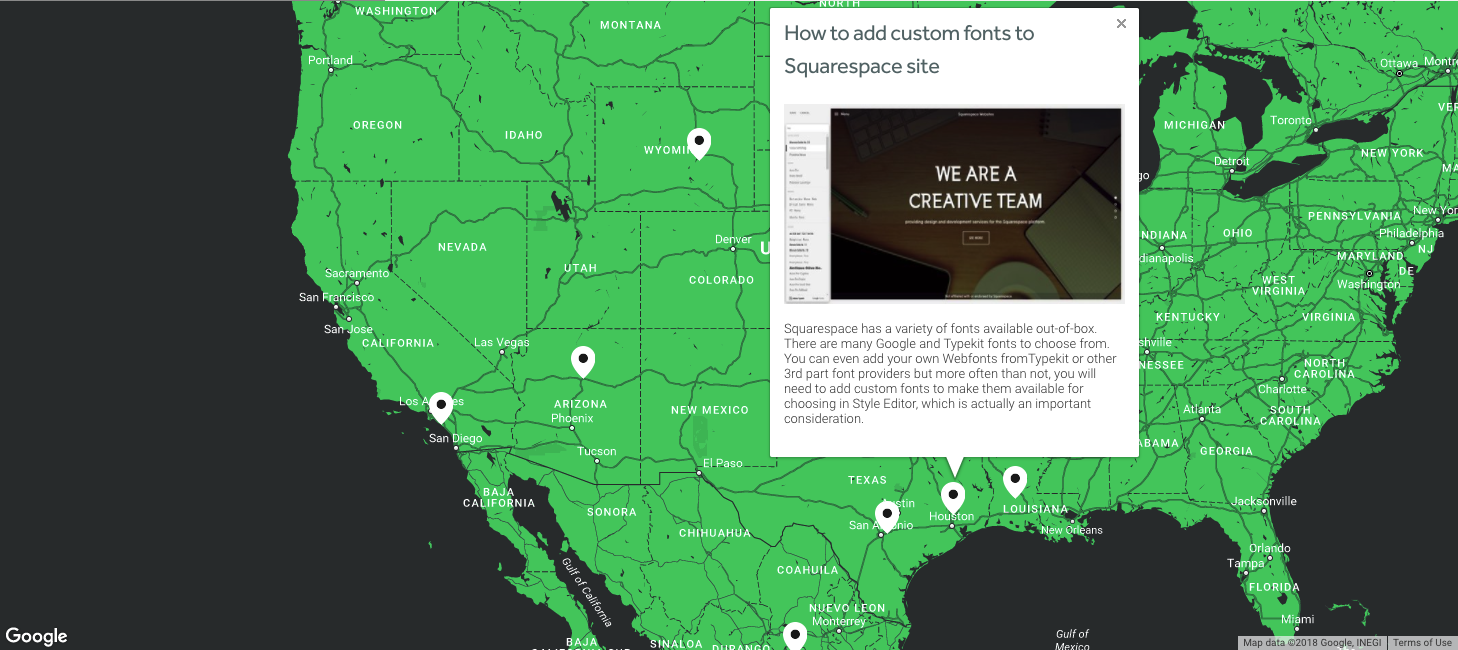
What does the Advance Map plugin actually look like?
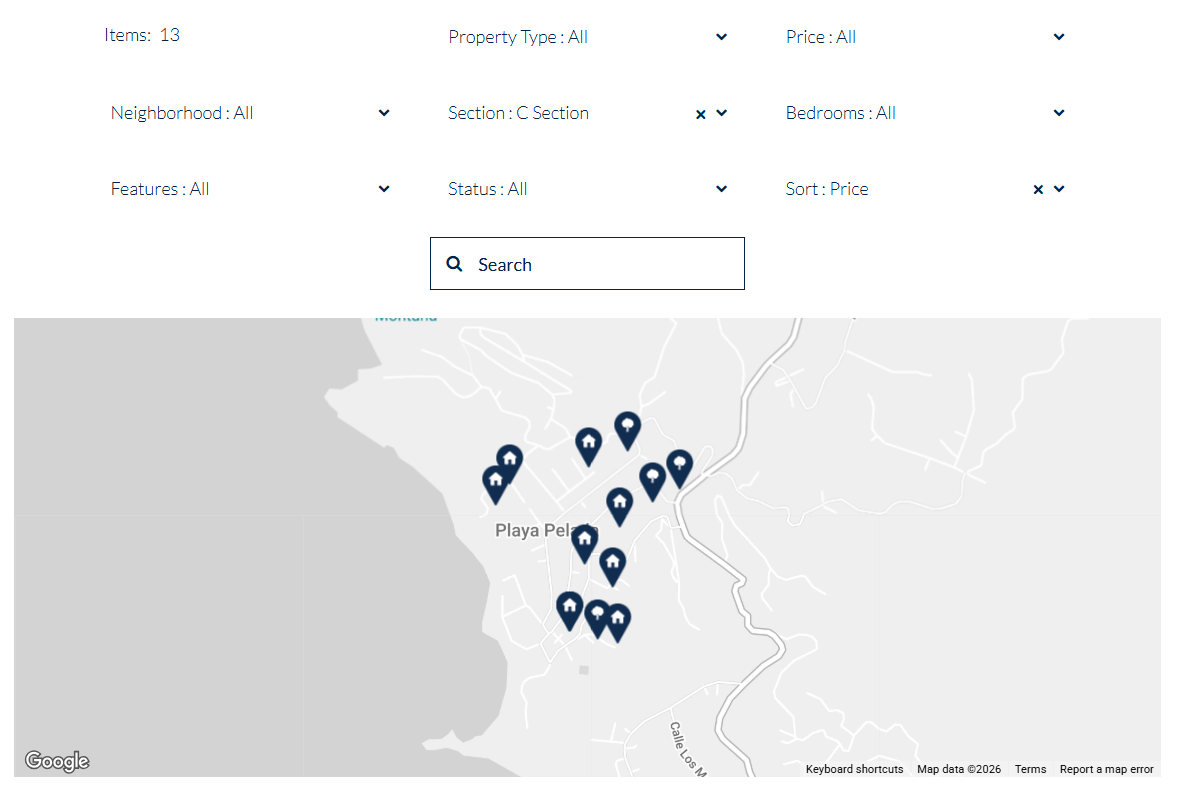
See for yourself. Here’s a real example of the advance map plugin on an actual map block.
Who’s using the Advance Map Plugin?
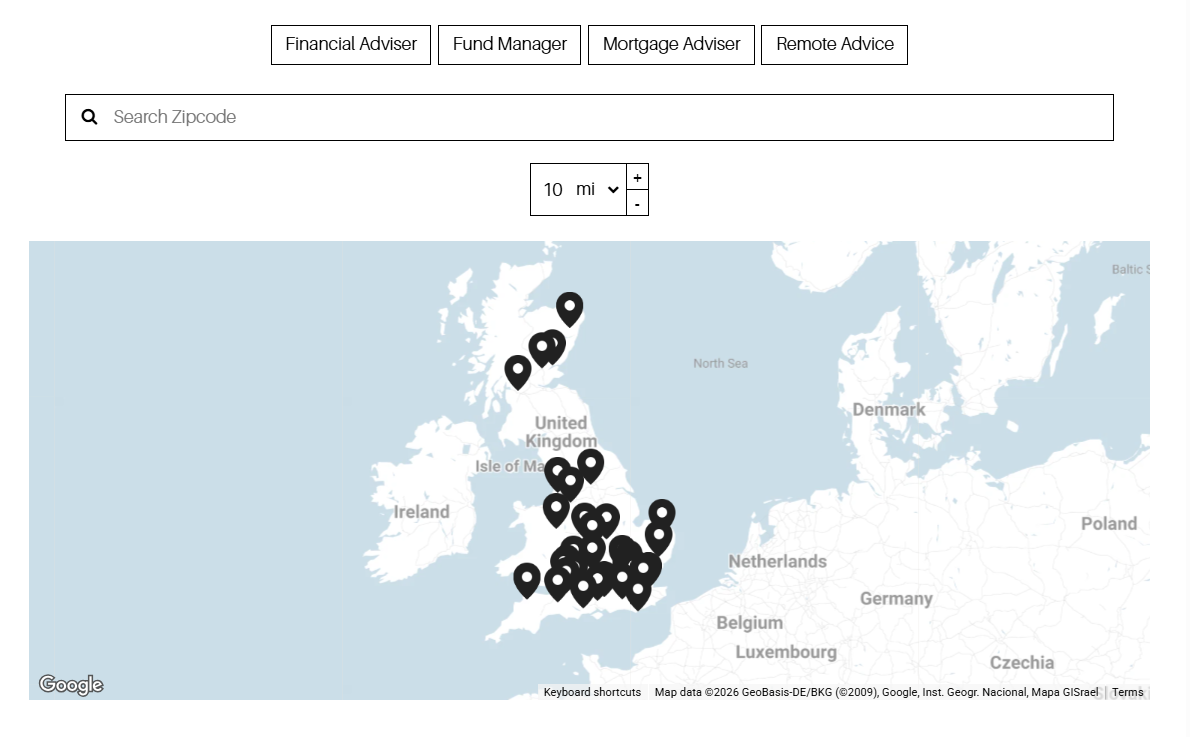
Here are some great examples of how people used the advance map plugin to display multiple locations, add location details, customize their markers, and change map style to fit their site styling.
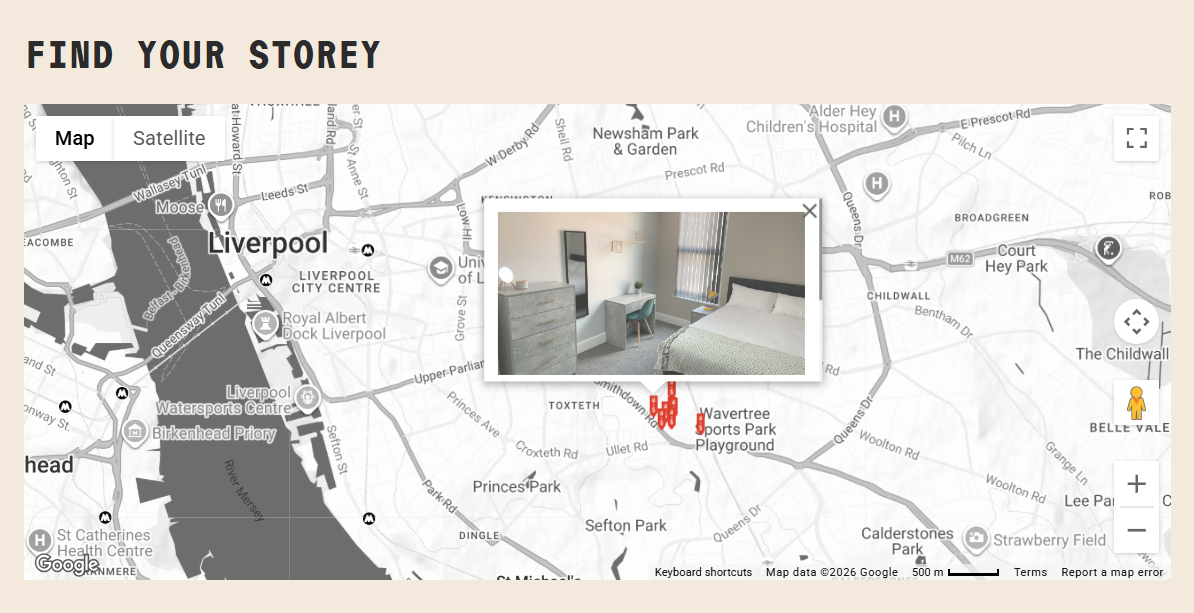
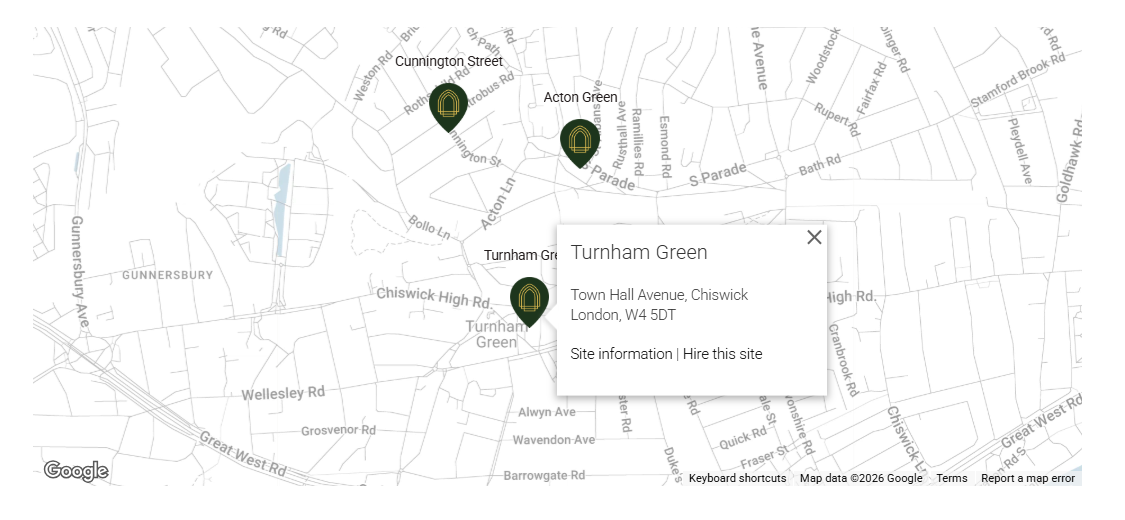
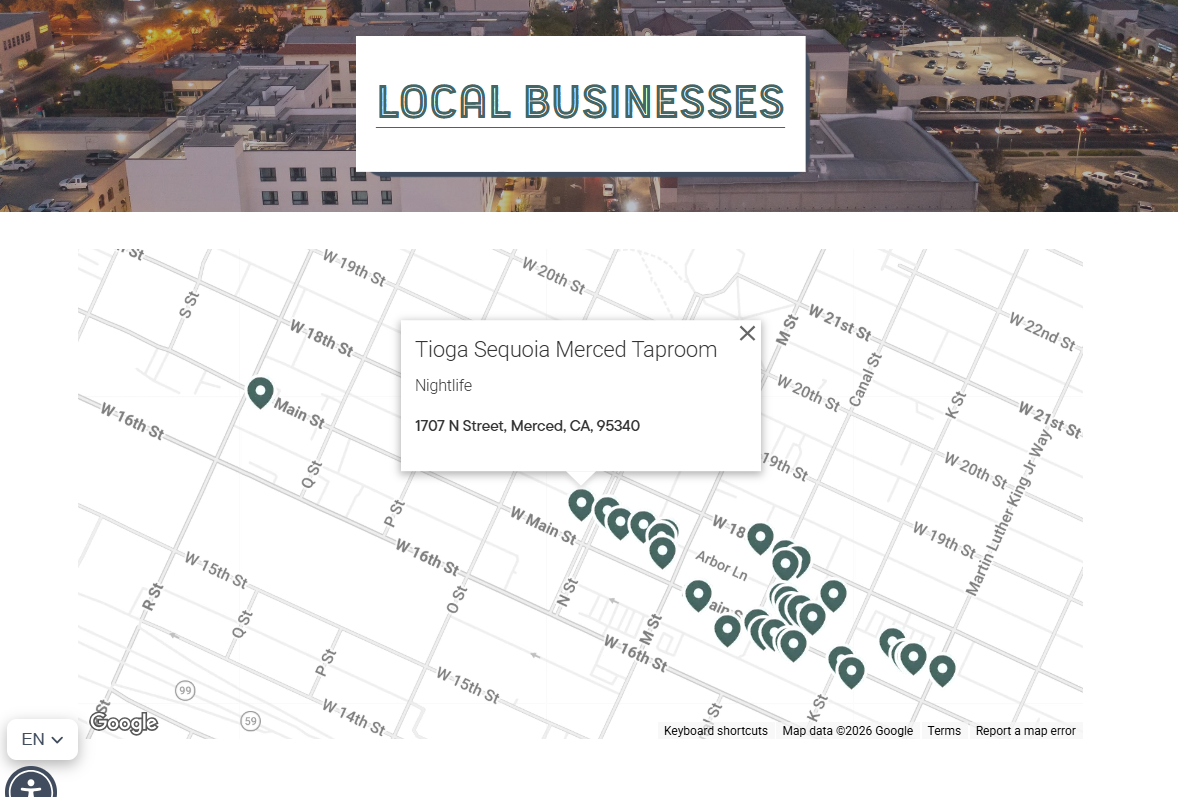
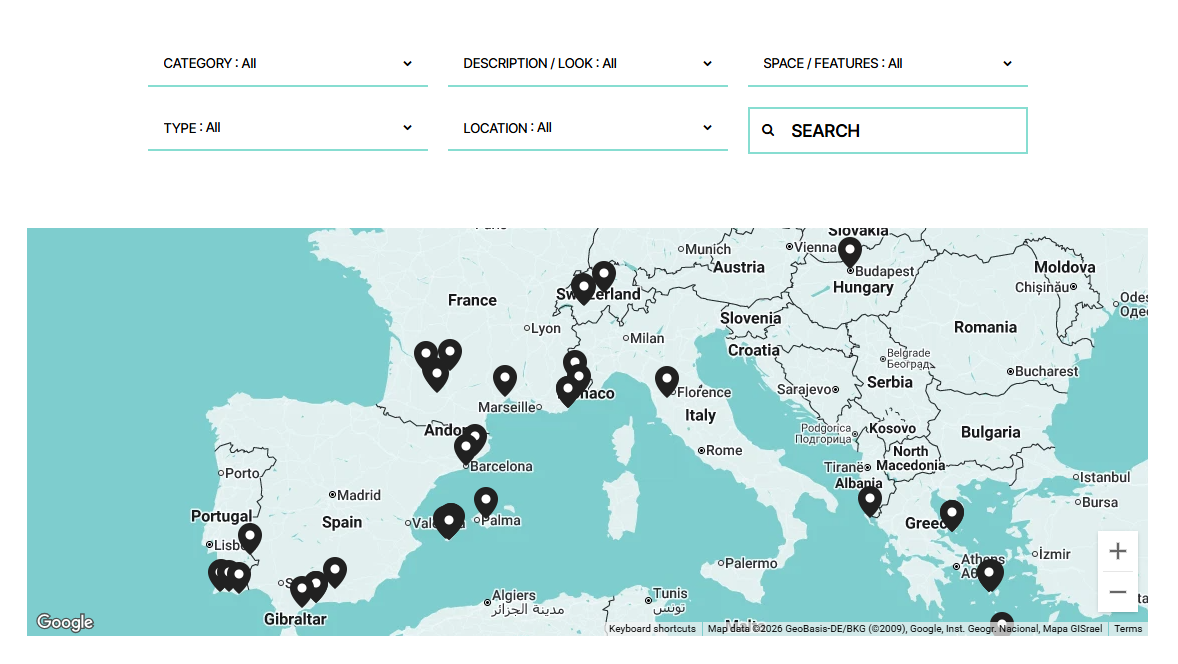
What You Need to Know
-
Platform Compatibility: Advanced Map Block plugin works on Squarespace 7.0 and 7.1.
Subscription Plan: It works on Business and Personal plans
Price: One time fee of $70 USD for unlimited sites
One time fee of $40 USD for single website
Free in SquareTools Extension ProSupport: Customer support is included
-
Advanced Map Block plugin works on map blocks only. But you can simultaneously use it multiple times on 1 page or across multiple pages.
You can also use it with the Universal Filter to add filtering and searching to your map. You can filter by tags and categories, search by titles, address or zip codes.
Can you use it on multiple websites?
Yes, you can with license this or with the SquareTools Extension Pro where it’s free.
-
Advanced Map Block ONLY works on map blocks
Advanced Map Block ONLY works in Squarespace.
Advanced Map Block uses map block which uses Google Map API — if your address is not found in Google maps, it will also not show up on the map block.
Single license only works for single website. But this unlimited site license works for unlimited number of sites, or get the SquareTools Extension.
-
There is NO coding involved in installing and using the plugin, so coding knowledge is NOT required.
You just need to copy/paste the installation code one time to activate and load the advanced map block interface to your map block settings.
-
You just need to copy/paste the installation code one time to activate and load the advanced map block interface to your map block settings.
The installation code will be emailed to you when you purchase advanced map block.
You can find installation and setup instructions in this guide.
And if you need help with installing or setting up, contact us and we’ll get you sorted.
-
Customer support is included in the one-time fee you paid.
If you need help, ran into an issue, or have any questions, contact us.
Installation and Setting Up
No coding needed. Just copy and paste the Advanced Map plugin’s installation code in the Footer Injection and start adding multiple locations on your map.
After installing, see your map block settings extended with new settings from the Advanced Map.
Add multiple map locations, change map themes, customize markers, display marker info and more.
Frequently Asked Questions
-
Yes, you can simultaneously use Advanced Map Block multiple times on 1 page or across multiple pages on your site.
And you can use it on multiple websites, with this unlimited site license or use the SquareTools Extension Pro where it’s free.
-
Advanced Map Block plugin ONLY works on map blocks which is only available in Squarespace. So, no you can not use it on WordPress, Shopify or other non-Squarespace platforms, it will not work.
-
Yes, you can use Advanced Map Block plugin on Personal plans or non-Business subscriptions. You do not need to get or upgrade to a Business plan to use this plugin.
-
Yes, you can use Advanced Map Block on websites that are still under development. You do not need to wait for your website to finish to use this plugin.
If you register an unpublished (under development) website, use your .squarespace.com domain. For example, https://www.squarewebsite.squarespace.com/
You don’t need to wait for your primary domain and no need to update it later, it’ll automatically work when you get your primary domain.
-
There is NO coding involved in installing the plugin, so coding knowledge is NOT needed.
You just need to copy/paste the installation code one time to activate and load the advanced map block interface to your map block settings.
-
No, you can register your built-in .squarespace.com domain instead when you purchase Advanced Map Block plugin.
For example, https://www.squarewebsite.squarespace.com/
No need to wait for your primary domain and no need to update it later, it’ll automatically work when you get your primary domain.
-
To be clear, there is NO difference in functionalities between single and unlimited license. The difference is on the number of sites you can use the plugin on.
Single website license only lets you use Advanced Map Block on 1 website while unlimited sites license lets you use it on unlimited number of sites.
Alternatively, if you get the SquareTools Extension Pro, you can also use the Advanced Map Block plugin on unlimited sites.
-
Customer support is included in the one-time fee you paid. If you need help, ran into an issue, or have any questions, contact us.