Customize Map Markers
How to change map markers on your map
Step 1. Open Markers Icons settings
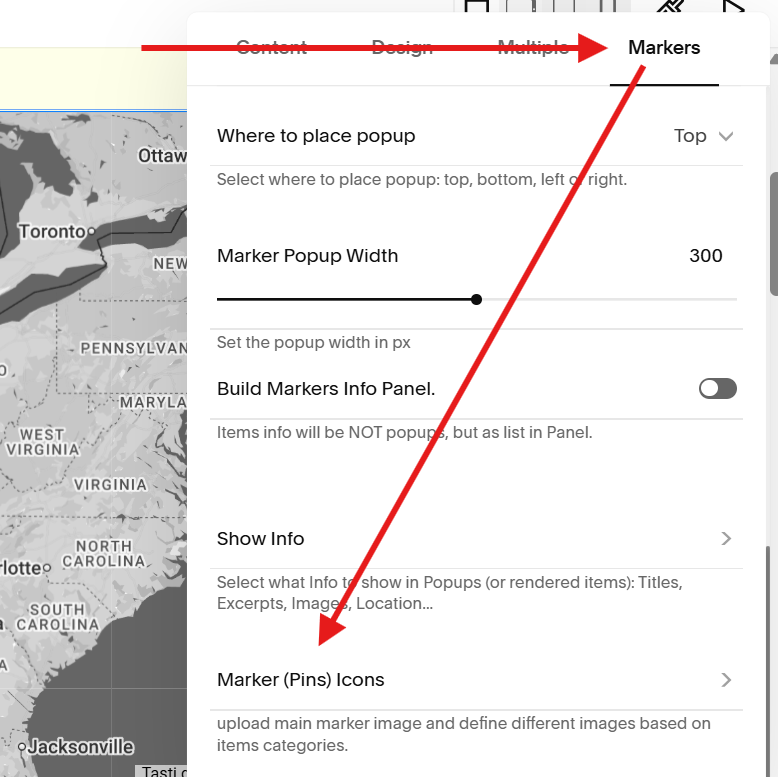
Open the Markers settings then click Marker (Pins) Icons settings.
Step 2. Click Add Image settings
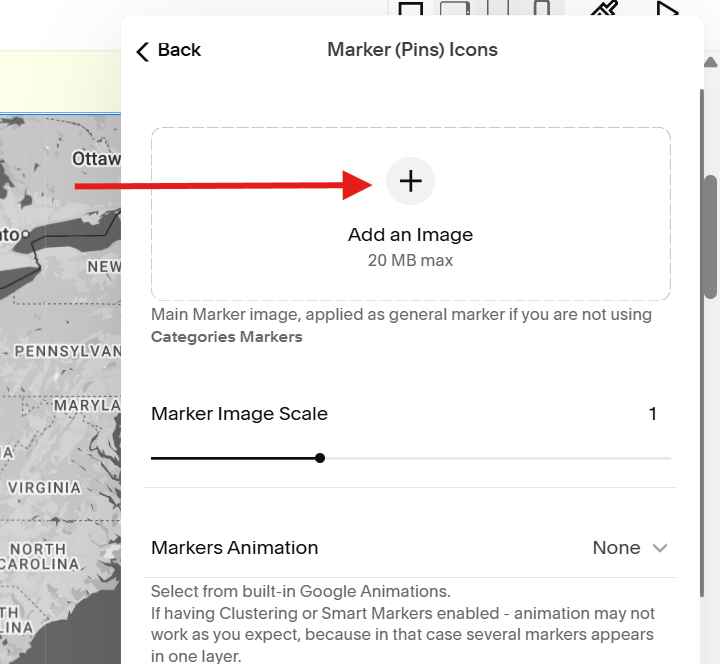
Click the Add an Image button and upload the marker image you want to use.
Step 3. Set Marker Size
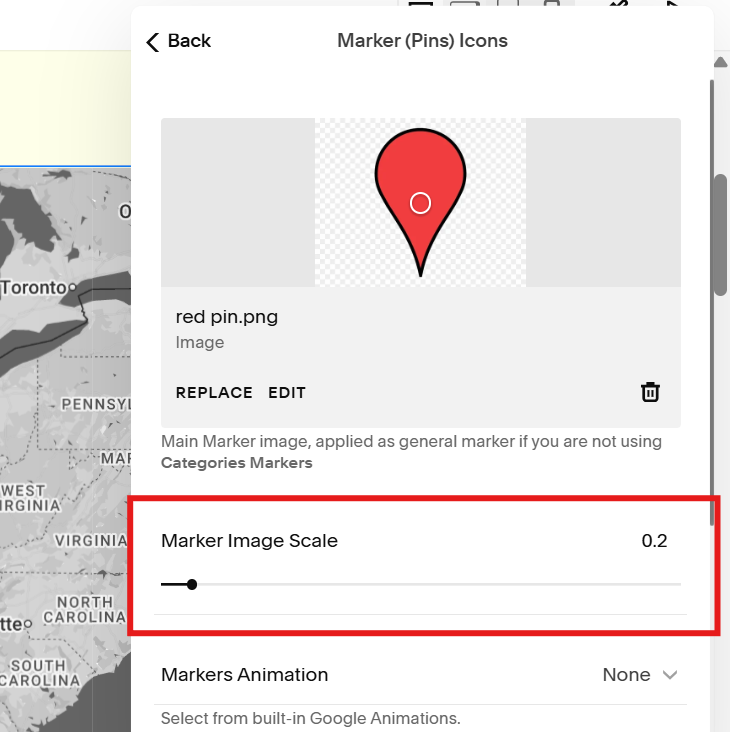
Set the size of your marker in the Marker Image Scale setting.
For your reference, the default value is 1 which displays the actual size of your image.
So if your image size is 200px x 200px, the image will appear in that size on your map unless you change the size in the Marker Image Scale setting.
Step 4. Save
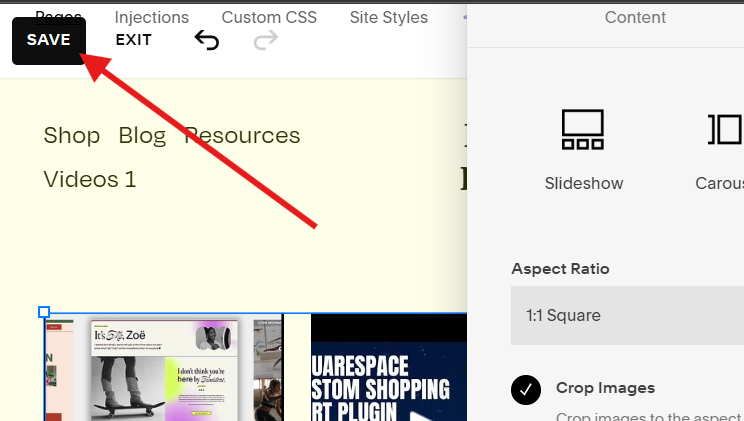
Click the SAVE button on the top left corner of your window to apply your custom marker settings.
Can you add multiple custom markers?
Yes, you can. Here’s the tutorial on how to add multiple map markers.